As we all know, mobile applications are the most innovative. As a growing business, defining clear goals is essential. Whether you aim to build loyalty, reinforce your brand, increase visibility, or boost sales, mobile app trends offer a comprehensive solution.
As the need for dependable and user-friendly apps soars, businesses are presented with attractive options. High-performing iOS and Android application development is made easier by cutting-edge mobile technology and data-centric methodologies. But before you dive in, thorough research on your target audience, suitable platforms, and the proper framework are crucial.
When it comes to iOS app development, superior user interface design and seamless hardware-software synchronization make it the preferred choice. Frameworks like Swift and Flutter may be used for it. With the help of the flexible cross-platform language Flutter, you can quickly develop beautiful iOS and Android apps. Swift, Apple’s native language, offers unrivalled efficiency and accuracy for creating iOS apps.
Now that you’ve investigated the world of mobile app development, it’s time to decide in a way that supports your particular company objectives. With new prospects unlocked and your company reaching new heights, Swift and Flutter are prepared to advance your mobile app development adventure.
So, are you ready to learn more and equip yourself with the information required to choose Flutter vs Swift wisely?
Let’s begin this exploratory adventure so that you may select the ideal framework for your iOS app development requirements.
React Native vs Swift: The Best iOS App Platform of 2023
What is Flutter?
An open-source user interface (UI) framework called Flutter was created by brilliant Google developers. It enables developers to produce excellent native apps from a single codebase for various platforms, including Android, iOS, Windows, Mac, Linux, and the web. Dart, a programming language created by Google, is also used by Flutter.
Developers have a wide range of tools to design smooth user experiences thanks to Flutter’s ability to make it simpler to produce dependable apps for various platforms. It is essentially focused on enhancing the productivity and enjoyment of developers since it offers a type-safe environment that successfully manages advanced features while enabling UI and layout rendering for high-performance apps.
Flutter, in short, frees developers from the hassles of platform-specific variations, allowing them to benefit from the cutting-edge capabilities of the Android SDK without having to deal with various UI frameworks. With this simplified method, developers can focus on creating fantastic user experiences while streamlining their processes and increasing productivity.
Do you want to learn more about Flutter app development and see whether it’s the best option for your startup? You don’t need to look any further as we set out on a quest to explore Flutter’s potential and applicability for businesses like yours.
Are you torn between Flutter and Swift for your iOS app development?
Our experts can help you make an informed decision tailored to your project’s needs.
Read More About: Swift or Objective-C: Why should you favour Swift?
Benefits of Flutter App Development
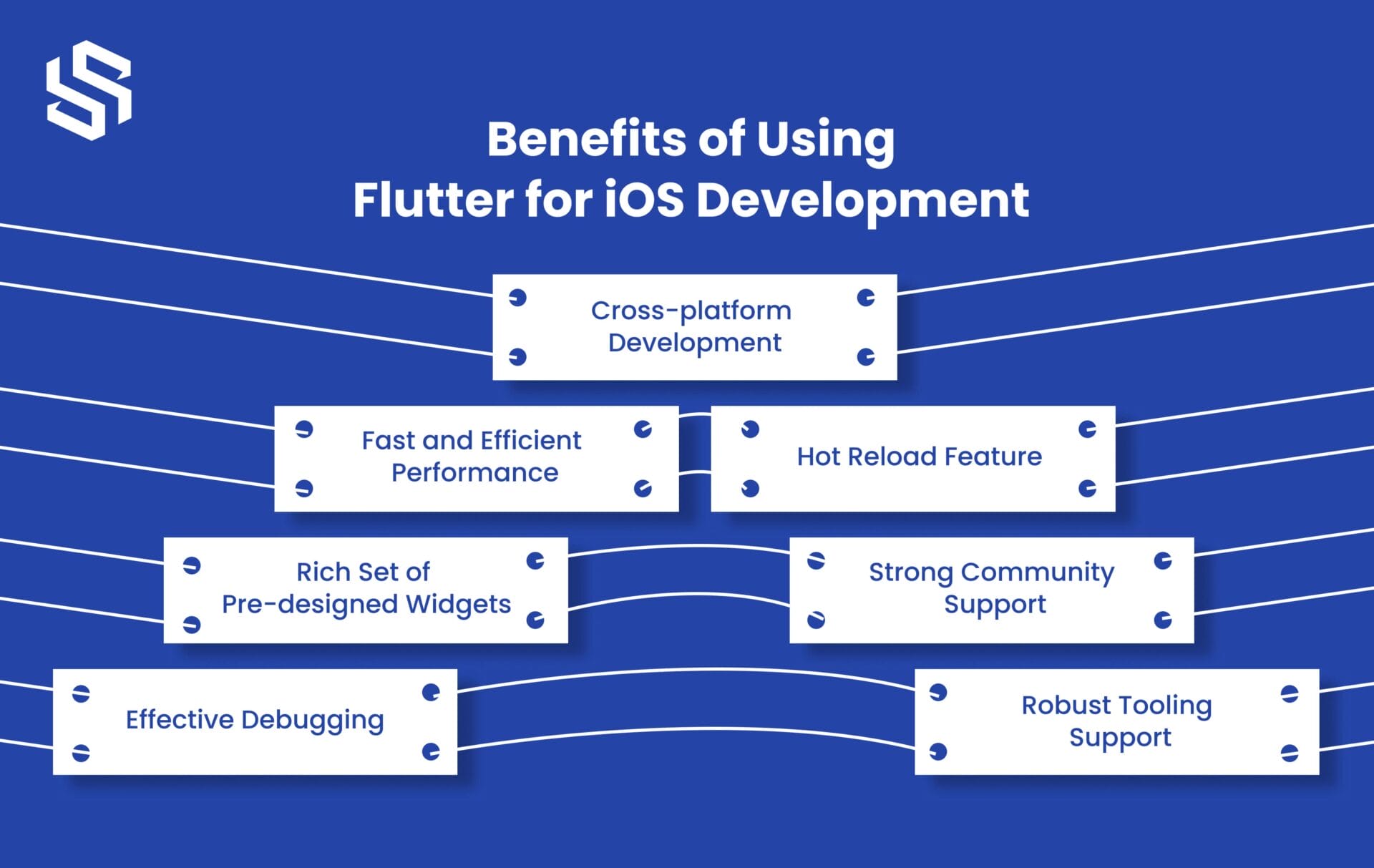
Flutter is a well-liked option among developers since it provides several advantages for mobile app development. Using Flutter for your mobile app development projects has the following major benefits:
1. Cross-platform Development
Flutter allows you to develop applications that run on multiple platforms, including iOS, Android, web, and desktop, using a single codebase. By doing away with the requirement to create unique apps for each platform, time and effort are saved.
2. Fast and Efficient Performance
Flutter’s architecture, which includes a high-performance rendering engine, allows apps to deliver smooth and responsive user experiences. Flutter apps are compiled into native code, resulting in near-native performance.
3. Hot Reload Feature
Flutter’s hot reload feature enables developers to make changes to the code and instantly see the results in the app. As a result, the development process is greatly sped up, enabling speedy testing and iteration.
4. Rich Set of Pre-designed Widget
The components of the user interface, known as widgets, are all available in a wide variety in Flutter. These widgets give each platform a natural look and feel, allowing developers to create unified, appealing applications for several devices.
5. Strong Community Support
Flutter has a large and active community of developers, so you can easily find resources, libraries, and solutions to common problems. The community regularly contributes to open-source projects, providing valuable support and updates.
6. Effective Debugging
Flutter offers robust debugging tools that help developers identify and fix issues quickly. Developers may examine and fix issues with UI design, network requests, and the performance of their apps using tools like Flutter Inspector and Flutter DevTools.
7. Robust Tooling Support
Flutter provides many tools and integrated development environments (IDEs) that streamline the app development process. Flutter SDK, Flutter Inspector, and Dart DevTools boost productivity by making it easier to create, test, and deploy apps.
Features of Flutter
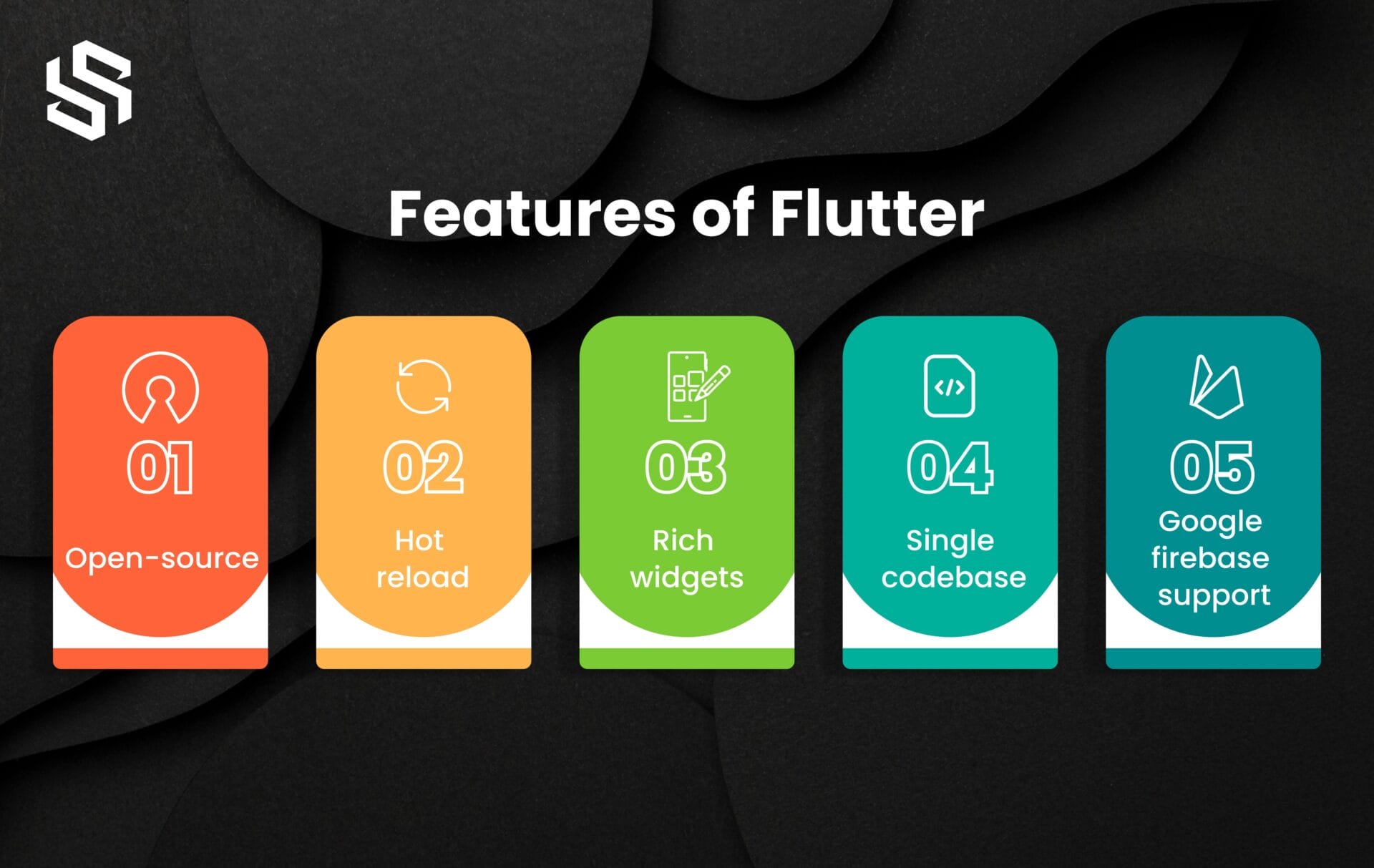
- The open-source framework Flutter, created by Google, encourages teamwork and community involvement.
- Instantly see code changes reflected in the app without restarting or losing its current state.
- Extensive collection of customizable widgets to create visually appealing interfaces across platforms.
- Eliminate the need for separate code by creating applications for several platforms using a single codebase.
- Seamless integration with Google Firebase for easy implementation of backend services like authentication, messaging, and databases.
Examples of iOS Apps Developed Using Flutter
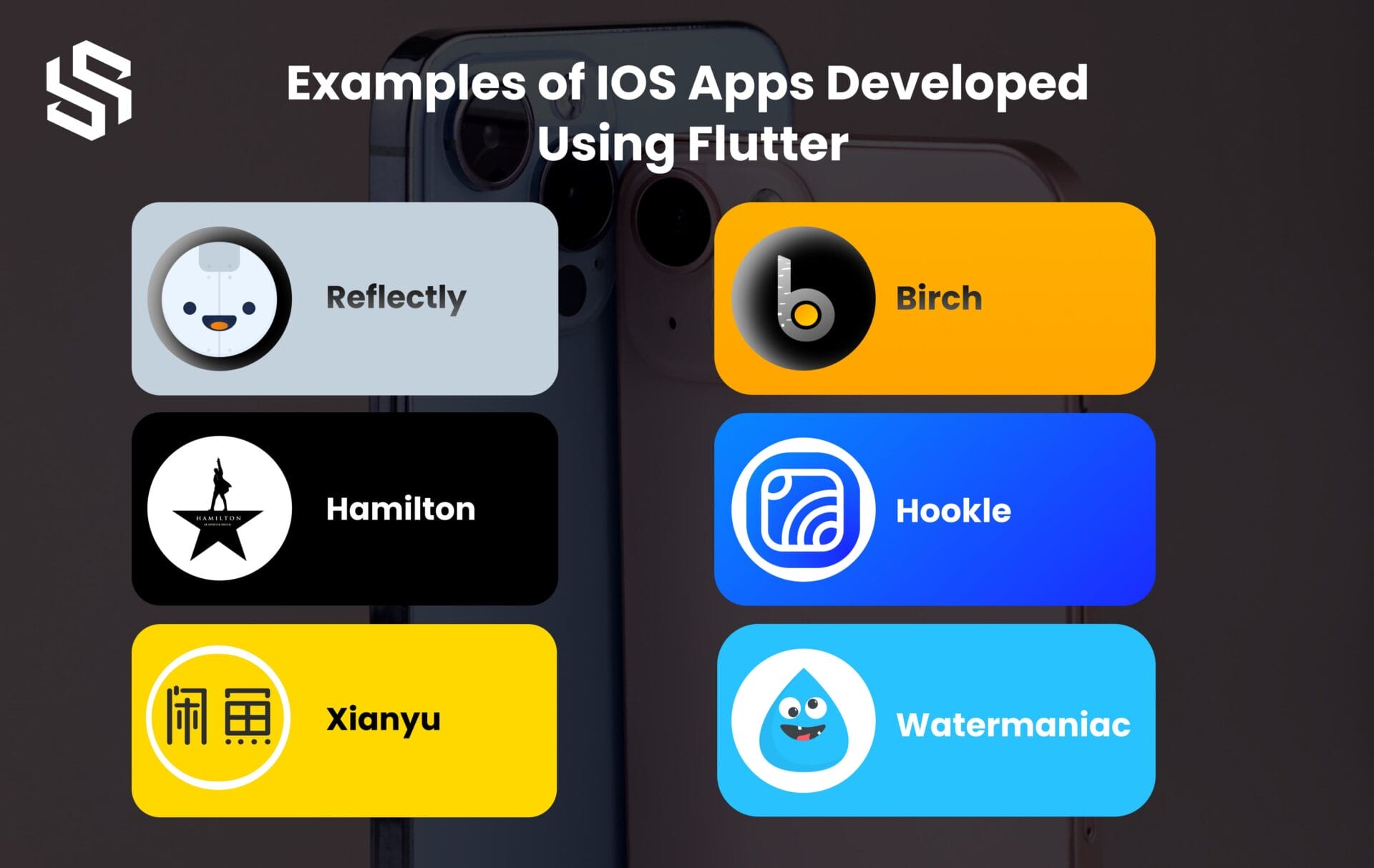
1. Reflectly
An artificial intelligence-powered journaling software called Reflectly provides individualized prompts, reflections, and insights to improve writing.
2. Hamilton
The official Hamilton app is for the well-known Broadway show. It provides fans with a whole experience by offering features including ticket buying, performance information, unique content, and more.
3. Xianyu
A second-hand shopping software, Xianyu, enables users to purchase and trade old goods. People may communicate, trade, and find amazing deals on various things on its platform.
4. Birch
Users may manage their money, keep an eye on their spending, create budgets, and comprehend their spending patterns with the help of the personal finance tracker application Birch, enabling them to make wise financial decisions.
5. Hookle
An app for managing social media called Hookle enables users to plan and manage postings on several social networking sites. It offers resources to help people and companies handle social media more efficiently.
6. Watermaniac
A hydration reminder software called Watermaniac assists users in keeping track of their water intake and staying hydrated. It reminds users to drink more water and offers customized objectives to help them stick with the habit.
Considering Flutter but uncertain?
Contact us for an in-depth analysis. We’ll help you make an informed decision based on your project requirements.
What is Swift?
Apple’s Swift programming language is solid and contemporary. With a strong emphasis on iOS, macOS, watchOS, and tvOS, it aims to provide developers with a high-performance, safe, and effective language for building programs across various platforms.
Introduced by Apple in 2014, Swift quickly gained popularity due to its simplicity, readability, and robustness. Developers may create clear and simple code more quickly since it integrates contemporary language features and syntax. To allow developers to incorporate pre-existing Objective-C code into Swift applications smoothly, Swift is also designed to be compatible with Objective-C.
Benefits of Swift App Development
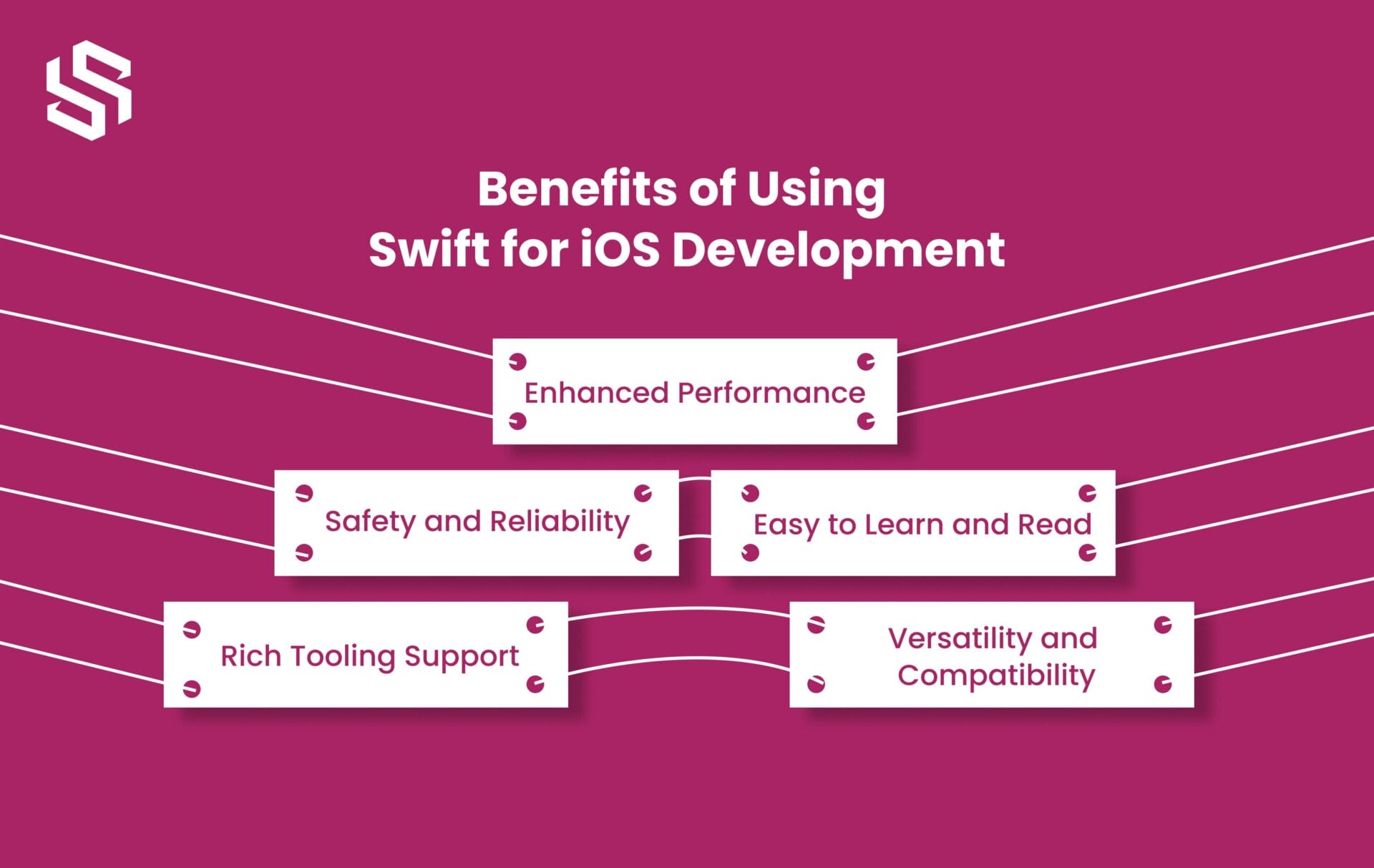
1. Enhanced Performance
Due to its emphasis on efficiency and speed throughout construction, Swift performs very well. Modern syntax and optimized compilers ensure faster execution, resulting in highly responsive apps that deliver a smooth user experience.
2. Safety and Reliability
Swift incorporates safety features that help prevent common programming errors and enhance app stability. More dependable and secure applications are produced by code that is more resilient and less prone to crashes, thanks to features like optional and type inference.
3. Easy to Learn and Read
Even for beginners, Swift’s syntax is clear and simple to comprehend. Because code is clear and easy to read, developers find it easier to comprehend, write, and maintain.
4. Rich Tooling Support
Apple provides robust tools and development environments for Swift, including Xcode, which offers powerful debugging, testing, and profiling capabilities. These technologies facilitate and accelerate the development process, which also boost productivity.
5. Versatility and Compatibility
Swift is compatible with Objective-C code, allowing developers to seamlessly integrate Swift into their projects. Additionally, it offers a variety of libraries and frameworks that developers may use, giving them flexibility in selecting the finest tools for app creation.
Features of Swift
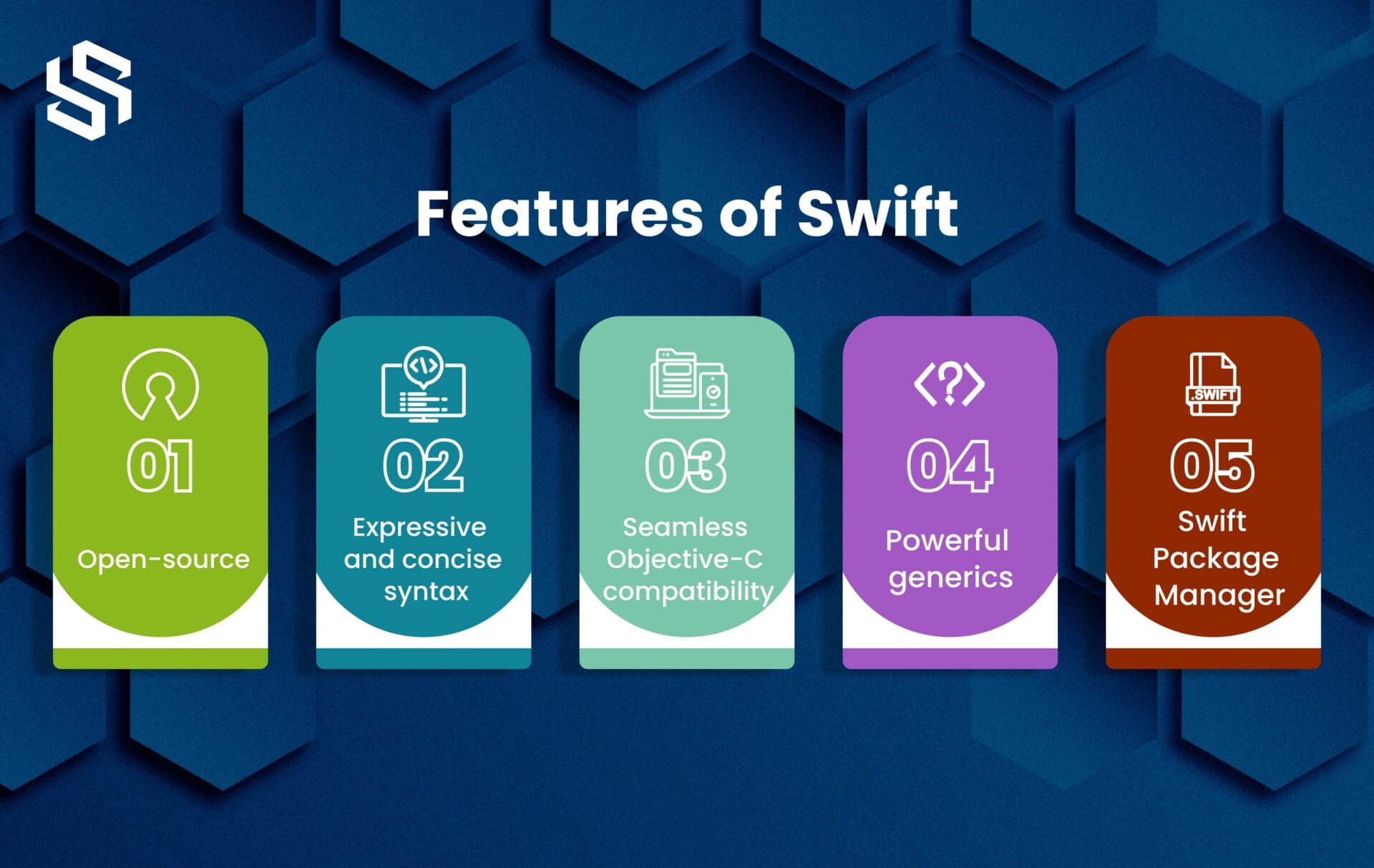
- Developers can see, alter, and add to Swift’s source code for free, encouraging cooperation and ongoing development.
- The current syntax used by Swift is created to be readable and writable, resulting in less verbose code and higher developer productivity.
- With Swift’s seamless integration with Objective-C, developers may easily make use of pre-existing libraries and tools.
- Type safety and code reuse are supported by Swift’s generics, which make it possible to write adaptable, reusable code.
- Swift Package Manager streamlines the development process by making dependency management and package distribution simple.
Examples of iOS Apps Developed Using Swift
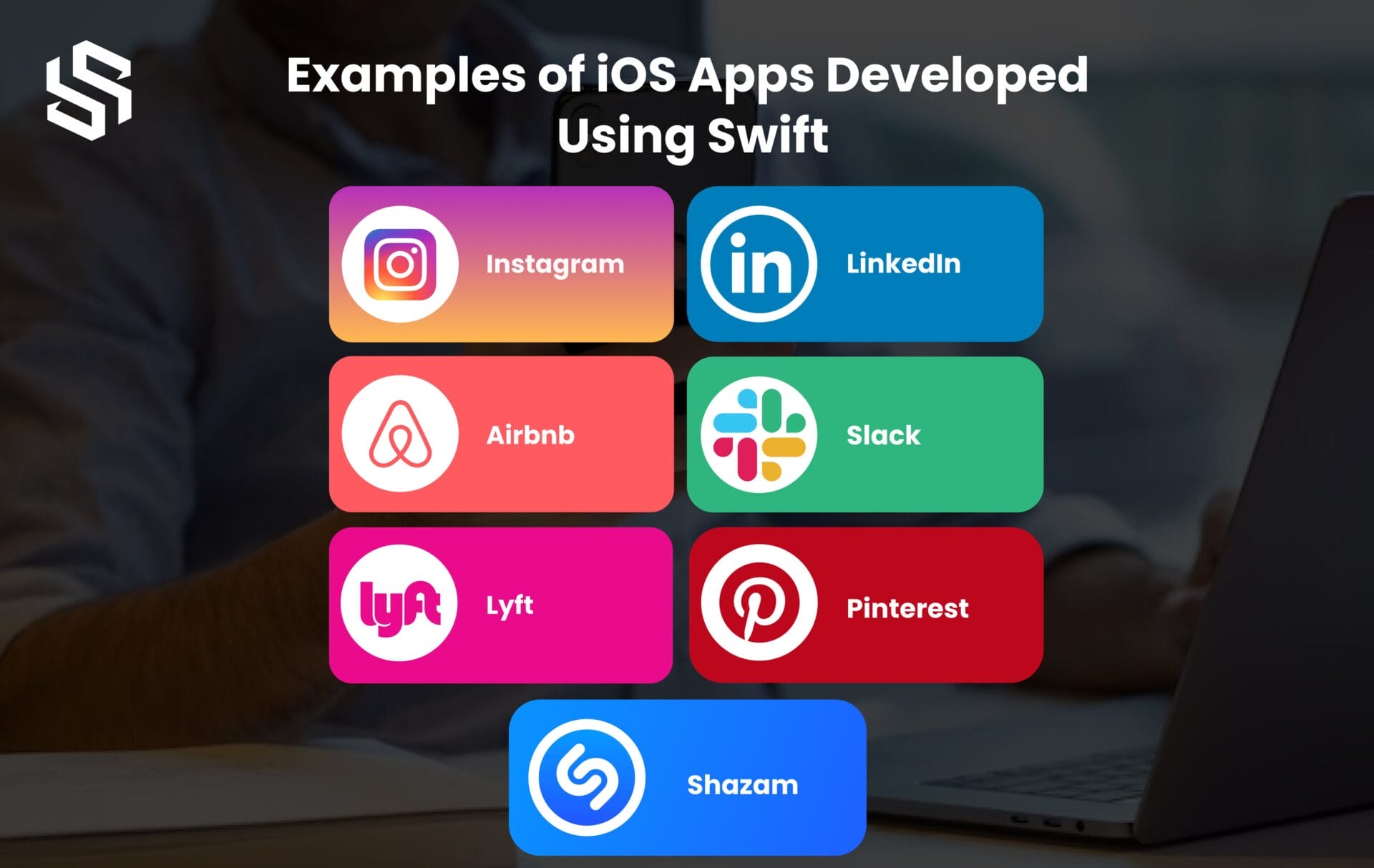
1. Instagram
The popular social media app Instagram has been developed using Swift, taking advantage of its performance and modern features.
2. Lyft
The ride-sharing app Lyft has embraced Swift for its iOS development, leveraging its speed and safety features to provide a seamless user experience.
3. Airbnb
The Airbnb app, which allows users to book accommodations worldwide, has incorporated Swift to ensure a smooth and reliable app experience.
4. LinkedIn
The professional networking platform LinkedIn has adopted Swift for its iOS app development, benefiting from its robustness and simplicity.
5. Slack
The team communication and collaboration app Slack has utilized Swift to deliver a fast and efficient app experience to its users.
6. Pinterest
The popular visual discovery platform Pinterest has embraced Swift to create an engaging and visually appealing iOS app.
7. Shazam
The music identification app Shazam has implemented Swift to enhance its performance and responsiveness when identifying songs.
Looking to create a stunning cross-platform app?
Hire dedicated Flutter developers to bring your vision to life.
Comparison Table: Flutter vs Swift
Flutter and Swift are two popular technologies used for iOS app development. Here is a comparison table highlighting their key features and differences:
| Flutter | Swift | |
|---|---|---|
| Language | Dart | Swift |
| Development | Cross-platform | iOS, macOS, watchOS, tvOS |
| UI Framework | Widgets-based | UIKit |
| Hot Reload | Yes | No |
| Performance | Excellent | Excellent |
| Community | Growing community | Large and established community |
| Learning Curve | Moderate | Moderate to steep |
| Code Reusability | High | Moderate |
| Integration | Third-party native code integration | Native integration with Apple frameworks |
| Development Speed | Rapid development with hot reload | Swift and Xcode tooling support |
| App Store | Separate apps for iOS and Android | Separate apps for iOS, macOS, watchOS, tvOS |
| Tooling Support | Robust tooling support with Flutter SDK | Xcode IDE with extensive development tools |
9 Best iOS Development Tools for Startups in 2023
In-Depth Exploration: Flutter vs Swift
Choosing the right framework and programming language is paramount to crafting exceptional applications. Two contenders that often stand in the spotlight are Flutter and Swift.
While Apple’s Swift is recognized for its performance and integration with the iOS environment, Google’s Flutter is well known for its cross-platform capabilities.
To assist developers in making wise choices when starting their next venture into mobile development, this in-depth analysis compares the intricacies of Flutter and Swift.
#1 Flutter vs Swift: Accessibility Features
When examining the accessibility features of Flutter and Swift for iOS app development, it’s critical to examine their capabilities in making your app inclusive and accessible to people with impairments. Both frameworks include accessibility assistance, although their approaches differ.
Swift, the native programming language, seamlessly integrates with iOS accessibility APIs and frameworks. Developers have total flexibility over modifying the app’s behaviour and design thanks to the direct access it gives to platform-specific accessibility capabilities.
Flutter takes a cross-platform approach and offers its accessibility features within the framework. While it supports basic accessibility features like screen reader compatibility and font scaling, it may have limitations in fine-grained control over platform-specific accessibility options compared to Swift.
Though Flutter is a framework that is always being improved, its accessibility support improves with each new version. It intends to give a uniform, accessible experience across platforms, including iOS. Flutter also allows developers to design unique accessibility solutions if necessary.
#2 Flutter vs Swift: Onboarding Process
When comparing the onboarding process of Flutter and Swift for iOS app development, it’s important to understand the ease of getting started with each framework and the available resources for learning and support.
Install the Flutter SDK and set up the development environment before you can begin using Flutter. Once set up, you can create a new Flutter project and begin coding using the Flutter CLI. Flutter’s “hot reload” feature allows for instant code updates without restarting the app. The framework offers extensive documentation, tutorials, and a growing community for learning and troubleshooting.
For iOS app development with Swift, you need to install Xcode, which includes the Swift compiler and iOS simulator. With Xcode, you can create a new project and start coding in Swift. Xcode provides a graphical interface called Interface Builder for designing app interfaces. Swift benefits from a straightforward onboarding process within Xcode and has extensive documentation, tutorials, and a supportive community.
Both Flutter and Swift have relatively straightforward onboarding processes. Flutter has the benefit of being cross-platform, making it possible to create for both iOS and Android using a single codebase. Swift, as the native language for iOS development, provides closer integration with iOS APIs and frameworks.
#3 Flutter vs Swift: Analyzing Performance Metrics
When comparing Flutter vs Swift performance metrics for iOS app development, it’s critical to consider things like app responsiveness, rendering speed, and overall efficiency. While both Flutter and Swift aim for maximum performance, their underlying mechanics differ.
To develop a distinctive method of developing user interfaces, Flutter makes advantage of its own rendering engine, which is powered by Skia. This engine guarantees reliable performance at 60 frames per second, producing fluid user interfaces and smooth animation. The use of widgets efficiently manages UI elements, and the hot reload feature accelerates the development process. However, complex or computationally intensive apps may require additional optimization efforts.
Swift, being the native programming language for iOS development, offers high performance by directly accessing iOS APIs and leveraging the underlying hardware capabilities. It compiles into native machine code, leading to efficient execution and performance. Developers have control over memory management and optimizing resource utilization. Apple’s optimization work ensures excellent performance out of the box.
Flutter’s custom rendering engine may provide smooth performance for most apps, but it may require additional optimization for complex scenarios. Swift, as a native language, offers excellent performance by default, especially for apps that heavily rely on platform-specific APIs or require computationally intensive tasks.
#4 Flutter vs Swift: Evaluating Development Cost
When deciding between Flutter and Swift for iOS app development, there are several factors to consider, including the development cost. Let’s evaluate how these two technologies compare in terms of development cost:
- Skillset: Swift is native for iOS, no additional training for Swift developers. Learning Swift may require time/resources for non-Swift developers. Flutter uses Dart, which is easy to learn for object-oriented programmers.
- Codebase and Maintenance: Flutter offers a cross-platform, single codebase for iOS and Android. Reduces development costs. Swift requires separate codebases, which increases development time/cost.
- UI Design: Flutter has customizable UI widgets for visually appealing and consistent interfaces. Swift uses UIKit, a separate design for iOS/Android.
- Testing and Debugging: Flutter allows simultaneous testing on iOS/Android with a single codebase, saving time/effort. Swift requires separate testing for each platform.
- Third-party Libraries and Ecosystem: Swift has a mature ecosystem with vast iOS libraries/frameworks. Flutter’s ecosystem is growing with fewer options compared to Swift.
Considering these factors, Flutter can be a cost-effective choice for iOS app development, especially if you want to build cross-platform apps and have a team with experience in Dart. However, if you already have a team of Swift developers and need to leverage specific iOS features or prefer a more mature ecosystem, Swift may be the better option.
#5 Flutter vs. Swift: Analyzing Development Time
When considering Flutter and Swift for iOS app development, it’s essential to evaluate the development time required for each option. Let’s analyze how these two technologies compare in terms of development time:
- Code Sharing: Flutter enables a single codebase for iOS and Android, reducing development time. Swift requires platform-specific code, potentially increasing development time.
- Hot Reload: Flutter’s hot reload allows real-time UI changes, speeding up development. Swift lacks a comparable feature, leading to a slightly longer development time for UI adjustments.
- UI Design: Flutter’s customizable UI widgets save time by eliminating UI element design from scratch. Swift uses UIKit, which requires more manual implementation and customization, potentially increasing development time.
- Development Environment: Flutter’s streamlined environment with IDE and development tools simplifies tasks like debugging and performance optimization. Swift also has robust tools and IDE support provided by Apple.
- Learning Curve: Familiarity with Swift results in faster development for Swift-experienced teams. Learning Swift may require additional time/resources for teams familiar with other languages. Flutter’s use of Dart, an OOP language, can be relatively easy to learn.
Flutter can potentially reduce development time, especially for cross-platform app development and UI design. Its code-sharing capabilities, hot reload feature, and widget-based UI development can contribute to faster iterations and overall development speed. Swift, while not as inherently fast in development, still benefits from a mature ecosystem and optimized tools provided by Apple.
One Codebase, Many Possibilities: Hire Flutter Developers for Ultimate Flexibility!
#6 Flutter vs Swift: Analyzing App Size
When comparing Flutter and Swift for iOS app development, it’s important to consider the app size implications of each technology. Here’s an explanation of how Flutter and Swift differ in terms of app size.
Flutter apps have a larger initial size due to the inclusion of their rendering engine and framework, enabling cross-platform functionality. However, code sharing in Flutter reduces the overall app size compared to separate platform-specific apps.
Swift apps have a smaller initial size as they utilize native iOS frameworks, like UIKit, already present on iOS devices. This results in a smaller app bundle size, which is beneficial for users with limited storage or slower internet connections.
App size can be influenced by various factors beyond the choice of technology, such as
- The size of media assets (images, videos),
- Third-party libraries or dependencies,
- The design choices made during development.
#7 Flutter vs Swift: Testing and Debugging Tools
When comparing Flutter and Swift for iOS app development, it’s crucial to consider the testing and debugging tools available with each technology. Here is a description of the testing and debugging differences between Flutter and Swift:
With its extensive Flutter DevTools and integrated Flutter Test framework, Flutter offers a complete set of testing and debugging tools. These tools give developers the ability to create a variety of tests and include functionality for debugging network queries, examining widgets, and performance monitoring.
A selection of testing and debugging tools tailored exclusively for iOS app development are also available with Swift. Developers may create unit tests using the XCTest framework in Xcode, and the IDE itself has a potent debugger with tools like breakpoints and variable examination. Additionally, Swift enables external testing frameworks for more flexibility.
Both Flutter and Swift offer strong testing and debugging capabilities. Flutter includes its own testing and debugging tools, while Swift leverages XCTest and Xcode’s debugger. The development team’s individual tastes and needs will determine which option is best.
#8 Flutter vs. Swift: Deployment and Distribution Process
When deciding between Flutter and Swift for iOS app development, it’s important to consider the deployment and distribution process for each technology. Here’s an explanation of how Flutter and Swift differ in terms of deployment and distribution.
Flutter simplifies app deployment and distribution by allowing you to compile your app into platform-specific binaries (like IPA files for iOS). These binaries can be distributed through app stores or enterprise distribution methods. Flutter provides tools like Flutter CLI and OTA updates for easy deployment and updates. Its cross-platform nature enables code sharing across multiple platforms, reducing deployment effort.
Flutter simplifies app deployment and distribution by allowing you to compile your app into platform-specific binaries (like IPA files for iOS). These binaries can be distributed through app stores or enterprise distribution methods. Flutter provides tools like Flutter CLI and OTA updates for easy deployment and updates. Its cross-platform nature enables code sharing across multiple platforms, reducing deployment effort.
Flutter simplifies the deployment and distribution process by providing tools and mechanisms for compiling the app into platform-specific binaries. Swift follows the traditional iOS app deployment process, requiring compilation into an iOS app bundle and adherence to Apple’s guidelines
#9 Flutter vs. Swift: Code Structure and Organization
When comparing Flutter and Swift for iOS app development, it’s important to consider each technology’s code structure and organization capabilities. Here’s an explanation of how Flutter and Swift differ in terms of code structure and organization
Flutter follows a widget-based architecture, where UI is built using reusable widgets representing UI elements. It offers pre-built widgets and allows custom widget creation for specific needs. This promotes code reusability, modularization, and a well-organized code structure.
Swift uses the Model-View-Controller (MVC) paradigm to divide code into model, view, and controller components. Views govern UI, models take care of data and business logic, and controllers help the two of them communicate. Swift also supports additional architectural patterns for organizing code, such as MVVM and MVP.
A widget-based design used by Flutter encourages modularization and code reuse, resulting in a well-structured and well-organized codebase. Swift supports additional architectural patterns and adheres to the Model-View-Controller design paradigm, giving code organization flexibility.
How Developing Flutter Apps Will Help You to Grow Your Business
Conclusion
There are several considerations while choosing between Flutter and Swift for iOS app development.
Flutter, a framework by Google, employs a single codebase for both iOS and Android apps. This can streamline development and reduce maintenance efforts. Its hot reload feature allows for real-time code changes and rapid iteration, enhancing developer productivity. If you’re looking for a cross-platform solution and want to hire Flutter developers or collaborate with a Flutter development company, it’s a strong choice.
On the other hand, Swift, Apple’s own programming language, offers deep integration with iOS devices and APIs. This can lead to optimized app performance and a more native user experience. If you prioritize a highly tailored app for iOS devices and have the resources, employing Swift might be the way to go.
If you’re looking for a balance between cross-platform development and a native feel, Flutter is an excellent option. Its hot reload feature and potential cost savings through shared codebase can be advantageous. However, if you have a specific focus on iOS devices, want maximum optimization, and are willing to invest in dedicated development, Swift could be the better choice.
If you need further assistance in making your decision or want to explore your options, feel free to contact us at Syndell. Whether you’re looking to hire Flutter developers or seeking guidance on your iOS app development project, Syndell can provide expert advice and support.