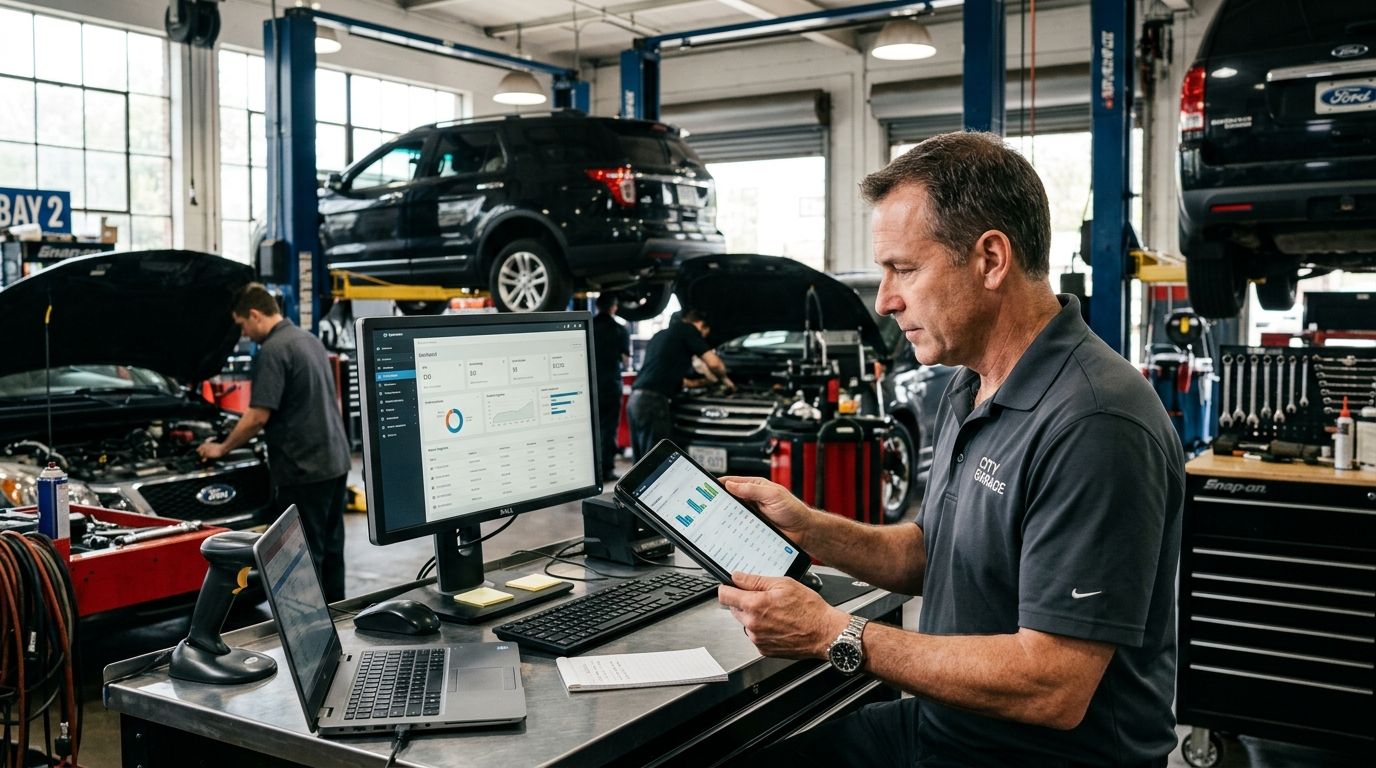
Auto repair shop software development is the design and build of a shop management system around how your bays actually run — estimates, repair orders, parts, technician hours, customer updates and reporting in one flow — with one aim: more billed hours per lift and fewer jobs stuck in limbo.
TL;DR
- Shop management software should follow the car: estimate, approval, parts, labor, invoice.
- Go custom when multi-bay scheduling, fleet accounts or parts integrations outgrow off-the-shelf tools.
- Customer updates and approvals are where most shops lose time and trust.
- Technician adoption decides ROI; design for a phone in a greasy hand.
- Syndell builds custom auto repair shop software for owners in the US and UK.
Why auto repair shop software matters for owners
A repair shop sells two things: labor hours and trust. Most shops lose both to administration — estimates rebuilt from scratch, parts ordered by phone and tracked in a notebook, customers calling for status updates nobody has time to answer. Off-the-shelf shop management systems cover the standard case well. They strain when a shop runs multiple locations, services fleet accounts with purchase-order billing, or needs parts pricing to flow straight from suppliers.
Custom development exists for that gap. It fits your workflow instead of forcing the shop into a vendor's checklist, and it keeps your data — service history, customer records, technician performance — in your hands. It is also a bigger commitment, which is why the decision should be made deliberately, module by module.
Map your current workflow before scoping anything
Follow one car from drop-off to payment and write down where time leaks:
- How is an estimate produced, approved and converted into a work order?
- Where do parts waits stall jobs, and who chases the supplier?
- How does a technician's time reach the invoice — automatically or retyped?
- How many customer status calls does the front desk answer per day?
This map becomes your requirements list. It also tells a development partner where the real bottlenecks are, which shortens scoping — the same discipline as structuring a discovery phase before any build starts.
Define the core modules you actually need
Most shops need six capabilities, not thirty features:
- Estimates and approvals — digital estimates with photos, customer approval by text, one-click conversion to a work order.
- Scheduling and bay management — jobs assigned to lifts and technicians by skill and parts availability.
- Parts and inventory — supplier pricing, stock levels and back-order tracking tied to jobs.
- Technician time tracking — clocked hours against jobs, feeding both payroll and billed-hours reports.
- Customer updates — automatic status texts with photos, plus approvals for added work mid-repair.
- Reporting — effective labor rate, bay utilization, comebacks and parts margin in one dashboard.
A single-bay independent may run fine on packaged software. Multi-bay shops, fleet service providers and multi-location owners usually outgrow it — that is where custom application development earns its place.
Decide between building and buying
| Option | Best for | Key limitation |
|---|---|---|
| Off-the-shelf shop systems | Single-location shops with standard workflows | Fleet billing, multi-site and supplier integrations wait on the vendor |
| Custom build | Multi-bay, multi-location or fleet-focused shops | Higher upfront investment; you own maintenance |
| Modular hybrid | Start packaged, integrate custom modules over time | Two systems to maintain during transition |
The tiebreaker is your data model: service histories, fleet contracts and technician records are assets you keep. If they must match how your shop actually works, custom wins — retrofitting workflow logic into a live system is the most expensive rework in this category.
Integrate parts suppliers, accounting and payments
Software that cannot talk to your suppliers creates a second spreadsheet problem. Non-negotiable integrations:
- Parts supplier catalogs and pricing, so estimates pull live costs instead of a laminated sheet.
- Accounting, so invoices, taxes and technician payroll post without rekeying.
- Payments and fleet account billing, including purchase-order workflows for commercial clients.
- Vehicle history data sources, so intake captures the car's record before the first inspection.
Design for the service counter, not the office
The people using this software are service advisors mid-conversation and technicians with dirty hands. Every screen they touch must survive three taps on a tablet or phone, and customer updates should send automatically — not when someone remembers. Test the flows on the oldest tablet in the shop, not the newest.
Pilot on one bay, measure, then scale
Run the new system on one service bay or one service type for a full month. Compare billed hours per lift, estimate-to-invoice time and comeback rate against the prior quarter for the same work. A measured A/B against your own history is what justifies the rollout across the shop — and a shop that skips the baseline cannot prove ROI later.
Common mistakes shop owners make
- Buying features instead of fixing flow. A software layer on top of a broken estimate-approval flow just digitizes the bottleneck.
- Skipping customer updates. Status calls are the biggest daily time drain; automate them before anything else.
- No technician buy-in. If clocking time takes longer than doing the job on paper, the data stops being real.
- Ignoring parts margin. Most shops price labor carefully and guess on parts; the reporting module should end that.
- No named owner. Assign a system owner before launch or data quality drifts within a quarter.
One last thing
Ask every candidate — packaged or custom — for a live demo of a mid-repair additional-work approval: customer gets a text with photos, approves, and the extra labor lands on the invoice without a phone call. Systems that pass cleanly were designed by people who have run a service counter; the rest will hand you a workaround on your busiest morning.