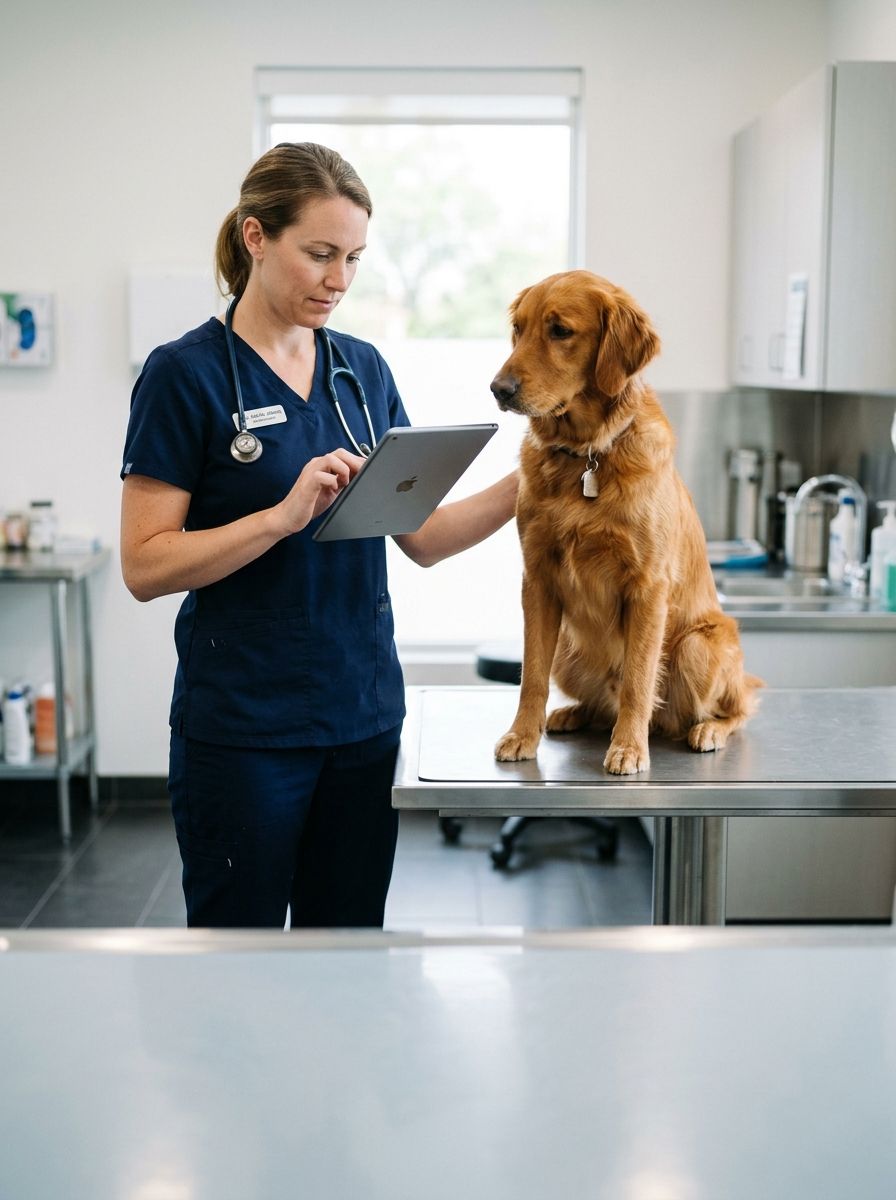
Pet care app development for veterinary clinics is the practice of building the appointment, medical-record, and client-communication software that lets a clinic see more patients with the same team, with the aim of higher appointment throughput, better compliance with treatment plans, and clients who return instead of drifting. What makes this category different from generic booking software is the clinical layer: records, prescriptions, and reminder protocols have to work alongside the calendar.
TL;DR
- Veterinary app software wins on appointments per day and compliance, not features.
- Scope the first release around booking, records, and reminders — one loop.
- Medical records and prescription history shape data architecture early.
- Off-the-shelf PMS tools work until multi-location or client-app needs appear.
- Measure appointment throughput and treatment-plan compliance weekly.
Why veterinary clinics need purpose-built software
A clinic’s capacity is bounded by exam-room throughput, and its revenue by how well clients follow through on treatment plans. The 2026 reality: front-desk phones eat hours that online booking would remove, and clients who never receive a follow-up reminder skip the recheck that completes the invoice. Software that removes phone friction and automates the follow-up loop converts directly into capacity and completed treatment.
Practice-management systems cover the clinical core, and for many clinics they are the right foundation. The ceiling appears when the clinic wants a client-facing app with its own brand, online booking that respects doctor-specific schedules, or multi-location operations the PMS vendor does not model well. That is where custom mobile app development becomes the growth lever: a client app layered on top of the records system, following how the clinic actually works.
1. Map the client journey you will digitize
Pick the flow that loses the most appointments or revenue and ship it end to end.
- Online booking with species, doctor, and visit-type filtering
- Appointment reminders and confirmations by SMS and push
- Treatment-plan delivery with costs and follow-up dates
- Prescription refill requests with approval workflow
- Post-visit check-ins and recheck reminders
2. Decide the medical-record model before the features
The client app is only as good as the records beneath it. Decide early how visit notes, vaccination history, weights, prescriptions, and images flow between the practice-management system and the client app — integrating with an existing PMS is the normal architecture, and its API constraints should shape the roadmap before anything is designed. Clinics that skip this step meet it as a rebuild.
3. Choose your mobile architecture
The client app is a phone-first product: booking, reminders, records access, and refill requests all live in the pocket. The tech stack decision usually favors a cross-platform framework so one team ships iOS and Android, with push notifications and offline tolerance for clinic Wi-Fi gaps. Staff-side tools can stay on the PMS; the custom layer should not force practice changes on the clinical team.
4. Build communication workflows that drive compliance
Reminders work when they are specific and timed: vaccination due dates, recheck windows after a procedure, medication refill lead times, and dental-hygiene follow-ups each get their own cadence. Card-on-file for deposits and no-show protection belongs in the booking flow the same way it does for any service business. The AVMA publishes practice resources worth consulting when you set compliance targets.
5. Turn appointment data into capacity decisions
Track appointments per doctor per day, no-show rate by channel, treatment-plan completion, and refill turnaround. These four numbers steer staffing and marketing in 2026. Where prediction pays off, AI integration services add no-show risk scoring, recall prioritization for clients drifting past due dates, and triage-style intake questions that route urgent cases to the phone instead of the queue.
6. Plan the integrations your clinic already runs
Name your integration targets early: the practice-management system, payment processors, lab-result feeds, pharmacy and online-shop platforms, and review sites. A client app that cannot read lab results or book against real doctor availability loses trust in week one; one that pushes clean data back into the PMS earns it.
7. Decide what to build and what to partner on
Clinics keep the medicine; the build is where a dedicated development team fills the gap. Syndell works this way with veterinary and healthcare operators — delivering the client app, booking layer, and PMS integrations while your clinical leads own the workflow rules. Be honest about the tradeoff: integration-heavy projects need a decision-maker on your side who can resolve PMS API questions quickly.
Comparison: build paths for a veterinary clinic
| Option | Best for | Key limitation |
|---|---|---|
| Existing practice-management system | Clinical records and billing, already in place | Client-facing experience and booking constrained to the vendor |
| Generic booking tool | Fast fix for phone-heavy scheduling | No records, prescriptions, or compliance workflows |
| Custom development partner | Branded client apps, multi-location, PMS integration depth | Requires internal decision-making and API cooperation from the PMS |
Common mistakes clinic owners make
- Buying a booking tool that cannot see doctor schedules and creating double bookings
- Building a client app before confirming the PMS can expose records through an API
- Treating reminders as a generic newsletter instead of per-treatment cadences
- Measuring app downloads instead of appointments booked and plans completed
- Skipping staff input — the front desk adopts last and blocks everything
One last thing
The cheapest appointment a clinic can win is the recheck it already sold. Software that prompts the reminder from the treatment plan — at the visit, with the date attached — typically lifts compliance faster than any marketing campaign. Design that loop before adding anything else.