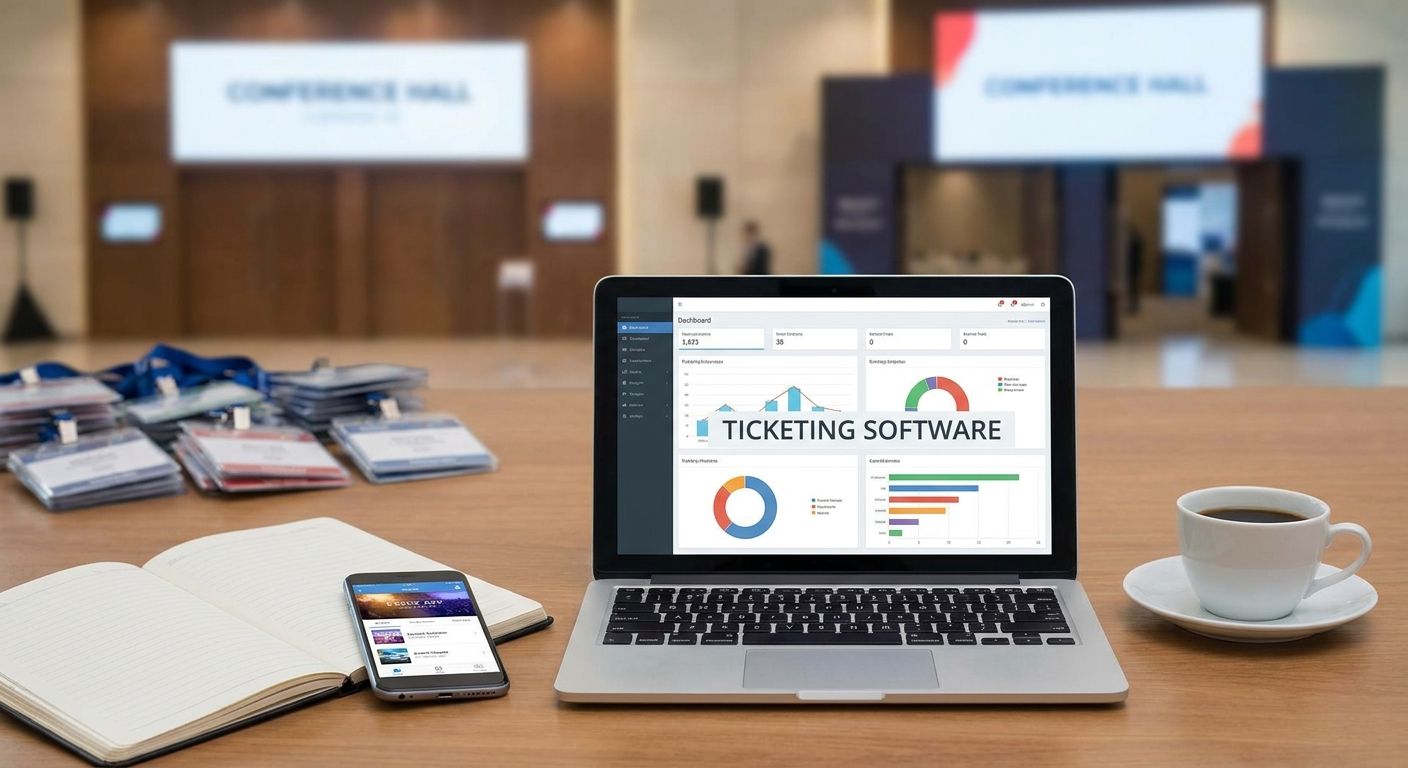
Event ticketing software sells tickets, controls access, and reports attendance for one event or a full season. This guide is for festival directors, venue managers, and event agency owners deciding whether to buy an off-the-shelf platform or build their own.
TL;DR
- Event ticketing software covers sales, seat inventory, access control, refunds, and attendance reporting.
- Off-the-shelf platforms are fastest for standard events; custom builds win on branding, data ownership, and fees.
- Per-ticket fees are the hidden cost most organizers underestimate.
- Integration with marketing, CRM, and POS tools matters more than feature count.
- Syndell builds custom ticketing platforms for organizers who outgrow boxed tools.
Why this matters
Ticketing is the revenue engine of any event business. The platform you choose sets your margin (through fees), your customer relationship (through data ownership), and your refund exposure (through payment handling). Generic platforms take a cut of every ticket; a custom platform keeps that margin in your business and your attendee data in your database.
What event ticketing software must handle
Write the list down before you compare anything:
- Ticket sales and inventory — tiered pricing, promo codes, holds, and real-time availability across web, mobile, and box office.
- Payments and refunds — card processing, partial refunds, chargeback handling, and payout schedules you can explain to finance.
- Access control — QR or NFC scanning that works offline at the gate and reconciles when connectivity returns.
- Attendee data — one record per buyer and per attendee, with consent and marketing permissions clearly managed.
- Reporting — sales by channel, no-show rates, and per-event profitability.
- Integrations — email, CRM, accounting, and (for venues) point of sale.
Buy versus build: where custom pays off
| Dimension | Off-the-shelf platform | Custom build |
|---|---|---|
| Time to launch | Days | Weeks to a few months |
| Fees | Per-ticket commission | No platform commission |
| Branding | Limited to templates | Fully branded checkout and tickets |
| Attendee data | Lives with the vendor | Lives with you |
| Multi-event seasons | Supported to a point | Structured around your calendar |
| Access control | Vendor hardware | Works with your existing scanners |
Boxed platforms win when you run a handful of standard events and want sales open this week. Custom wins when ticketing is your core business: resale markets, season passes, memberships, or complex access rules the vendor will not customize. Many organizers start boxed and migrate once the platform commission exceeds the cost of running their own system.
How to choose and deliver the right platform
Step 1: Map your sales and gate flow
Follow one real ticket from first click to scanned entry. Count every hand-off and every fee. The flow map shows which features actually matter for your events — and which vendor bullets are noise.
- List every channel tickets sell through today.
- Time the check-in process at your busiest gate.
- Log every fee you currently pay per ticket.
Step 2: Model the fee economics honestly
Per-ticket commissions are the number one reason organizers switch. Project three years of ticket volume at your current fee rate and compare it against the one-time cost of a custom build. For high-volume organizers the custom path often pays back within the first two seasons.
Step 3: Prioritize the gate, not the checkout
The checkout is polished in every vendor demo. The gate is where events fail: dead scanners, duplicate tickets, queues. Test offline scanning capacity under load before you sign anything, and require it in any custom specification.
Step 4: Plan data and marketing integration
Your attendee list is an asset. The platform must export clean records and connect to your email and CRM tools, or every future event starts its marketing from zero. For custom builds, integration design comes first; the same rule that governs workflow automation projects applies here.
Step 5: Price the build by scope
A custom ticketing build is priced by what it must do — sales only, or sales plus access control plus reporting. Our guide to custom software development cost breaks estimates into discovery, build, integration, and support phases so proposals compare line by line.
Common mistakes organizers make
- Comparing on feature lists, not fees. A missing feature is a workaround; a commission is forever.
- Ignoring the box office. Walk-up sales need the same reliability as online checkout.
- Skipping the refund policy test. Ask each platform to process a partial refund before you commit.
- Building for one event. Design the data model for a season, even if you launch with a single date.
One last thing
The single most valuable feature for repeat organizers is not in any vendor's headline list: cohort reporting. Knowing which ticket buyers from last season returned this season tells you where every marketing dollar should go. Make sure whatever you buy — or build — can answer that question.
Related guides
- Custom software development services
- Software development case studies
- How to estimate custom software development cost