In today’s ever-evolving software industry, the development of Windows applications has emerged as a crucial component for businesses seeking enhanced productivity. While web and mobile applications have gained significant popularity, desktop applications continue to hold their ground and play an indispensable role in our daily lives. There are countless scenarios where users demand offline accessibility, robust processing capabilities, and real-time performance, such as video or 3D editing software and video conferencing tools. For these users, having applications installed directly onto their hardware provides unparalleled stability, security, and reliability.
Despite the diminishing market share of Windows applications compared to their web and mobile counterparts, their relevance persists. The offline access and high-performance capabilities they provide have solidified their position in specific domains. Recognizing the immense potential of Windows application development is crucial for individuals and businesses alike, whether they seek to enhance their productivity or bring a groundbreaking idea to life.
As technology advances at an accelerated pace, the development of Windows applications necessitates meticulous planning and a structured approach. Embracing a well-defined process is essential to ensure a successful journey into Windows app development. With careful planning, attention to detail, and a clear understanding of your objectives, you can harness the power of Windows apps to drive innovation, efficiency, and user satisfaction.
Let’s embark on this journey to unravel the world of Windows application development, discover its limitless possibilities, and empower you to make informed decisions that pave the way for success.
What is Window Application?
Windows application development refers to the process of creating software applications specifically designed to run on Windows operating systems. These applications can range from simple utilities and productivity tools to complex enterprise systems and immersive multimedia experiences.
Windows application development offers businesses numerous advantages, one of them being its ability to help create customized software solutions tailored specifically to their business’s requirements. This can help improve productivity, streamline operations, and gain a competitive edge within their industry.
Read More About: Guide to the Key Features of Top Desktop Application Toolkits
Frameworks for Building Windows Applications
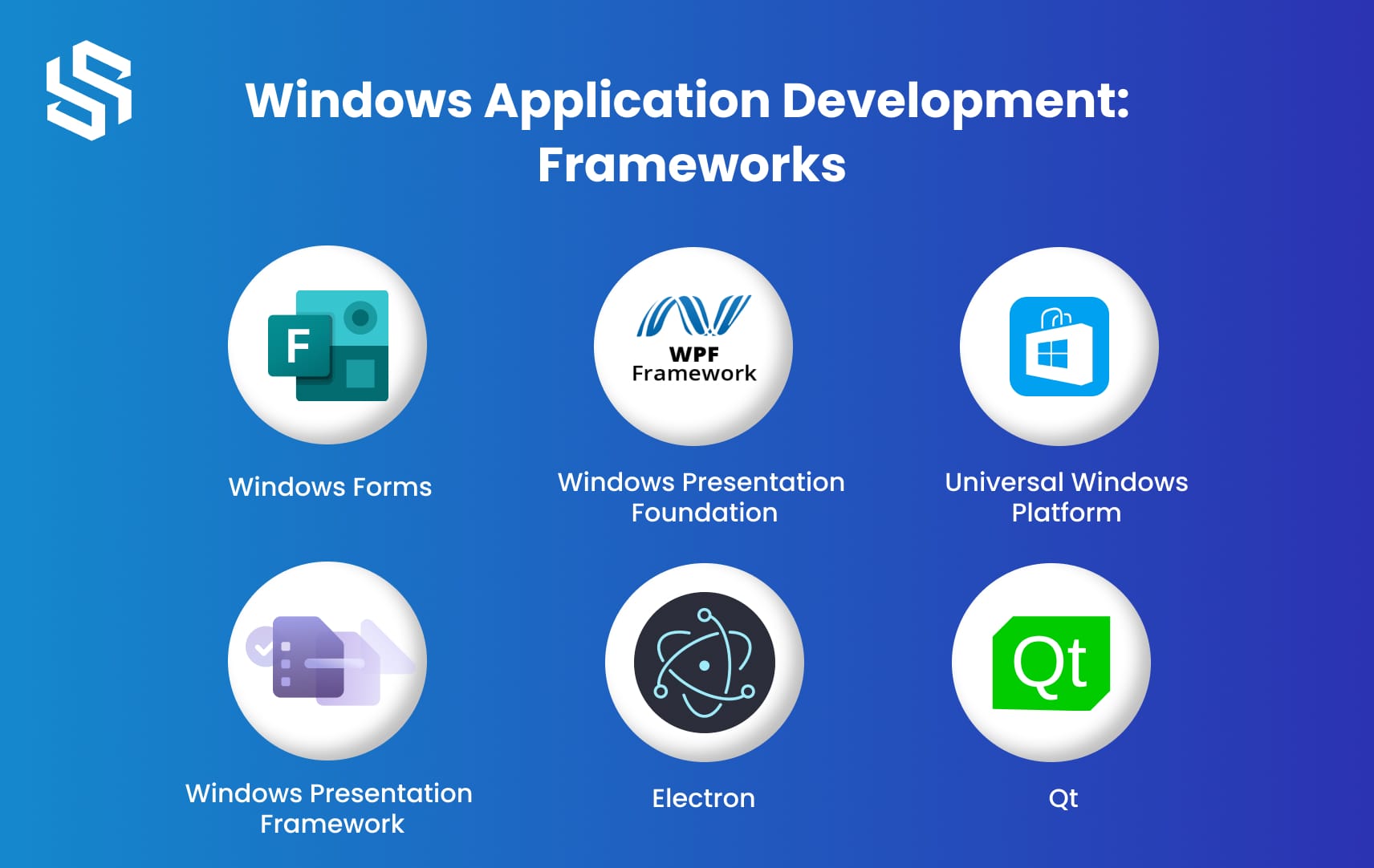
When it comes to building Windows applications, there are various frameworks available that provide developers with all of the resources and tools necessary for crafting robust applications with multiple features and functionalities. Here are a few popular frameworks used for Windows application development:
1. Optimize Your Code
WinForms is one of the oldest and most-utilized frameworks for building Windows applications, providing a straightforward event-driven programming model and making user interface creation effortless with drag-and-drop functionality. Perfect for creating desktop apps with traditional UI.
2. Windows Presentation Foundation (WPF)
WPF is an indispensable framework for creating visually striking Windows applications, offering a modern and flexible approach to user interface design that supports advanced graphics, animations, and multimedia elements. WPF also features data binding, styling, and templating features – making it the ideal solution for creating intuitive user experiences.
3. Universal Windows Platform (UWP)
UWP (Universal Windows Platform) is a framework that enables developers to build applications for use across different Windows devices, such as PCs, tablets, phones, and Xbox consoles. UWP offers a unified API set that helps create adaptive and responsive applications capable of seamlessly adapting to different device form factors and screen sizes.
4. Windows Presentation Framework (WinUI)
WinUI is a modern UI framework that provides a native user experience across different Windows devices. It is built on top of the Universal Windows Platform and offers a rich set of controls, styles, and animations. WinUI is designed to be fast, lightweight, and customizable, making it suitable for creating modern and visually appealing Windows applications.
5. Electron
Electron is a popular framework for building cross-platform desktop applications using web technologies such as HTML, CSS, and JavaScript. It allows developers to create Windows applications using web technologies while providing access to native APIs and system resources. Electron powers several well-known applications, including Slack, Visual Studio Code, and Discord.
6. Qt
Qt is a powerful and versatile framework for building cross-platform applications, including Windows applications. It provides a comprehensive set of tools and libraries for creating interactive and high-performance applications. Qt supports C++ and allows developers to build native-looking applications with ease.
Here are just a few frameworks available for Windows application development, each offering its own set of advantages and disadvantages for building apps for different target devices. Your selection will depend upon several factors, including application complexity, familiarity with the framework, desired user experience, and the target devices you are developing for.
Ready to dive into the world of Windows application development?
Let us be your guide! For expert assistance, advice, or to get started on your project,
today.
Steps to Develop a Windows Application
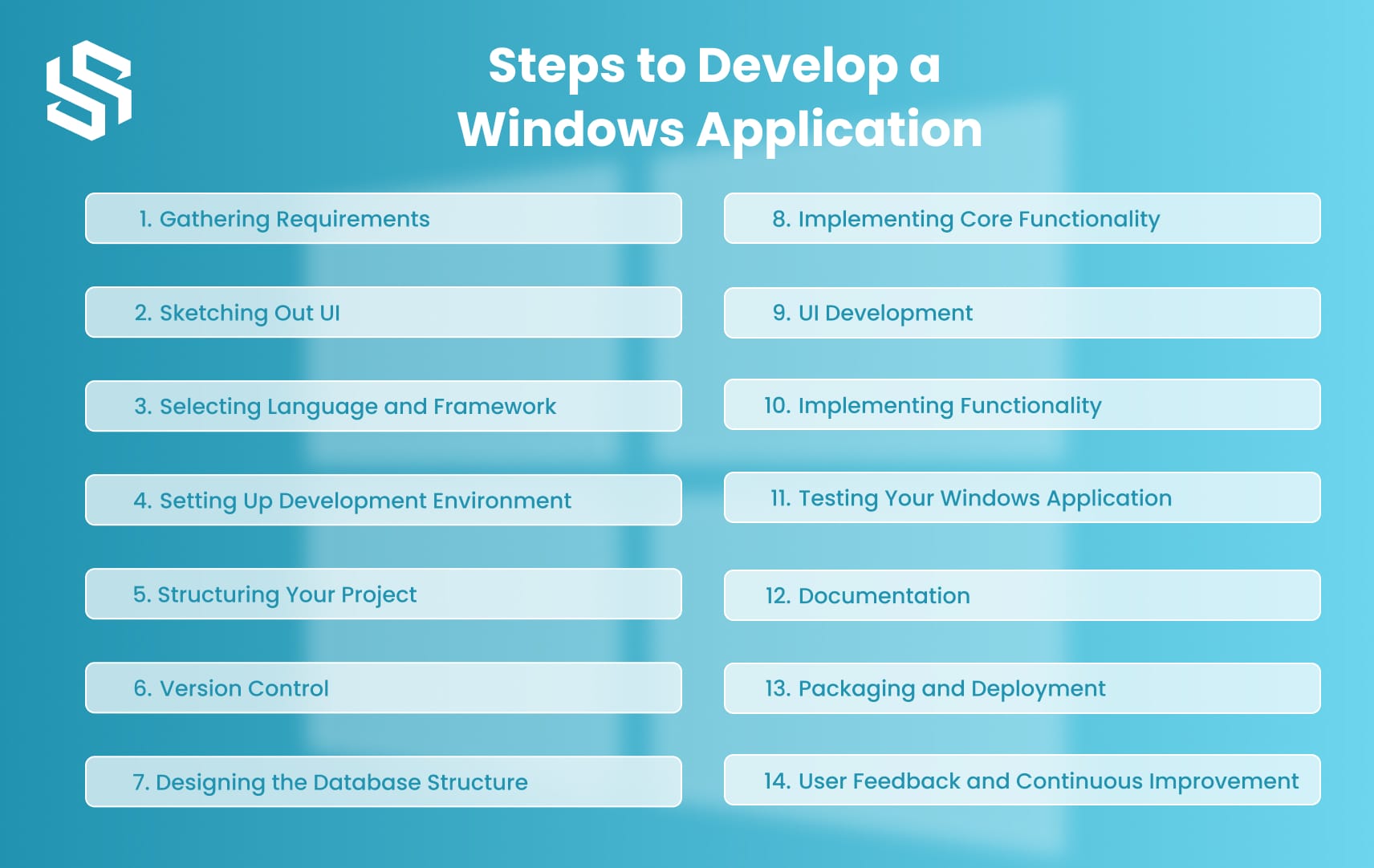
Are you ready to embark on the journey of creating a Windows application? Follow these step-by-step instructions to ensure your project is well-organized right from the start.
Step 1: Gathering Requirements: Defining Your Application’s Purpose
Before diving into the development process, it is crucial to gather requirements and define the purpose of your application. This initial step will help you establish clear goals and determine the features and functionality your Windows application needs to offer.
Step 2: Sketching Out Your Application’s User Interface
Now that you have a clear understanding of your application’s purpose, it’s time to sketch out the user interface (UI). Grab a pen and paper or use a digital design tool to create wireframes that visually represent how your application will look and function. This step will give you a clear blueprint to follow during the development phase.
Step 3: Selecting the Right Programming Language and Framework
Choosing the right programming language and framework is vital to the success of your Windows application. Consider factors such as your familiarity with the language, the specific requirements of your project, and the availability of resources and support. Some popular options for Windows application development include C#, .NET, and UWP.
Step 4: Setting Up Your Development Environment
To begin developing Windows application, you need to set up your development environment. This involves installing the necessary software, such as an Integrated Development Environment (IDE) like Visual Studio, and configuring your environment for the selected programming language and framework.
Step 5: Structuring Your Project: Creating a Logical Organization
An organized project structure is crucial for the efficient development and easy maintenance of your Windows application. Create a logical folder structure that separates different components of your application, such as source code files, assets, libraries, and documentation. This organization will save you time and effort throughout the development process.
Step 6: Version Control: Keeping Track of Changes
Implementing version control is essential for collaborative development and tracking changes made to your Windows application. Use a version control system like Git to manage your code repository, create branches for different features or bug fixes, and merge changes seamlessly. This way, you can easily roll back to previous versions if needed.
Step 7: Designing the Database Structure
If your Windows application requires a database, it’s crucial to design its structure before moving forward. Determine the tables, fields, and relationships required to store and retrieve data efficiently. Consider using database management systems like SQL Server or SQLite, depending on your project’s specific needs.
A Step-by-Step Guide to SaaS Application Development
Step 8: Implementing Core Functionality: Writing Code
Now comes the exciting part: writing code to implement the core functionality of your Windows application. Follow best practices for coding standards, such as using meaningful variable and function names, writing modular and reusable code, and applying design patterns where appropriate. Remember to comment on your code for better understanding and future maintenance.
Step 9: User Interface Development: Creating an Engaging UI
Your user interface (UI) is what your customers will interact with when using your Windows application, so creating an engaging and user-friendly UI is paramount. Use the wireframes you created earlier as a guide and start implementing the visual elements, such as buttons, menus, forms, and icons. Pay attention to color schemes, typography, and overall aesthetics to create a visually pleasing experience for your users.
Step 10: Implementing Functionality: Adding Features and Interactivity
The core functionality and UI have been implemented. It’s time to introduce additional features and interactivity that enhance user experience. This may involve handling user input, performing data validation, and integrating with external APIs/services or multimedia elements like images or videos – just keep user needs and expectations in mind as you add these features to your Windows app.
Step 11: Testing Your Windows Application: Ensuring Quality and Reliability
Testing is a critical phase in the development process to ensure your Windows application is of high quality and reliability. Perform various types of testing, such as unit testing to test individual components, integration testing to verify the interaction between different modules, and user acceptance testing to gather feedback from real users. Identify and fix any bugs or issues that arise during testing to deliver a stable and robust application.
Step 12: Documentation: Providing Clear Instructions and Resources
Documentation is key for the long-term maintenance and support of any Windows app. Create clear and thorough documentation with instructions for installation, configuration, usage, and troubleshooting, as well as details on its structure (code structure APIs or external dependencies), so it will remain useful both internally and when other developers join your project in the future. This documentation will benefit not only yourself but also any developers working on this project in the future.
Step 13: Packaging and Deployment: Making Your Application Ready for Users
Once your Windows application has undergone thorough testing and is well-documented, it’s time to package and deploy it for users to install and use. Follow the guidelines and requirements of the Windows platform to create an installer package. Consider factors such as dependencies, security, and compatibility to ensure a smooth deployment process. Make sure to test the installation and uninstallation processes on various machines to guarantee a seamless user experience.
Step 14: User Feedback and Continuous Improvement
After your Windows application is deployed and users start using it, encourage them to provide feedback and suggestions for improvement. Actively listen to user feedback and address any issues or feature requests that arise. Continuous improvement is key to keeping your application relevant and valuable to your users.
Ready to embark on your Windows application development journey? Take the first step towards success Hire dedicated developers today!
Our team of experienced professionals is ready to bring your ideas to life and build high-quality Windows applications tailored to your specific needs.
Estimate Cost of Windows Application Development
The cost of developing a Windows application can vary widely depending on several factors such as the complexity of the application, the features and functionality required, the level of user interface design, and the experience and hourly rate of the development team.
In general, a basic Windows application with simple functionality could cost anywhere from $5,000 to $15,000 to develop. However, more complex applications with advanced features and functionality could cost anywhere from $20,000 to $100,000 or more.
It’s important to note that these estimates are just a rough guideline, and the actual cost of developing a Windows application can vary significantly depending on the specific requirements and circumstances of the project. It’s always a good idea to consult with a professional development team to get a more accurate estimate based on your specific needs.
How to Hire Custom App Developers: An Ultimate Guide
Conclusion
Windows application development is a complex and constantly evolving field that requires specialized skills and knowledge. Whether you are developing a simple business application or a complex multimedia application, it’s important to work with a team of experienced developers who can guide you through the entire development process.i
Syndell is a trusted Windows application development company that specializes in creating custom Windows applications tailored to your specific business needs. Our team of experienced developers can help you bring your ideas to life and create applications that are functional, user-friendly, and visually appealing.
Whether you need a Windows desktop application, a UWP app, or a Windows service, we have the expertise and tools needed to deliver high-quality solutions that meet your business goals and objectives. Contact us today to learn more about our Windows application development services and how we can help you achieve success.