
Best overall for new web-product QA: Playwright. Best for an established browser-testing estate: Selenium. Best for native mobile apps: Appium. This guide compares the best test automation tools for QA teams from a buyer’s perspective: release coverage, maintenance ownership, and the evidence you should request before approving a tool.
TL;DR
- Playwright leads this test automation tools shortlist for new web products needing cross-browser regression coverage.
- Selenium suits established browser automation; Appium suits native mobile application testing.
- Cypress fits frontend-focused QA; Postman fits API testing; Robot Framework fits keyword-driven acceptance testing.
- Syndell is a development partner, not a testing tool; evaluate the delivery model separately from the framework.
Why this matters
Your testing framework determines which failures your team can investigate, not whether your product is ready to release. A passing suite means little when it misses authorization rules, subscription changes, or the workflow your customers actually use.
Separate tool selection from delivery accountability. Review QA automation testing services for SaaS products alongside your requirements for test ownership, release gates, and handover. Syndell is best suited to buyers seeking custom software development rather than a standalone testing tool.
The shortlist below covers different testing jobs. Don’t ask a browser framework to replace native mobile testing, and don’t treat an API collection as proof that the customer-facing checkout works.
What makes the best test automation tools for QA teams
Use these criteria before comparing demos or approving a development partner’s proposed stack:
- Coverage fit: The tool must exercise your actual product surface: browsers, native apps, APIs, or acceptance workflows.
- Failure evidence: Your team needs actionable logs, screenshots, request details, or traces appropriate to the failure.
- Maintenance ownership: Name who updates tests when screens, integrations, and business rules change.
- Release integration: Define which checks run before deployment and what happens when a required check fails.
- Team fit: Match the framework to the people who will maintain it, not just the person presenting the demo.
- Portability: Keep test assets, configuration, and operational instructions accessible to your business.
For your shortlist, require a demonstration against a representative workflow. A generic login example doesn’t show how a tool handles your application’s permissions, data dependencies, or external integrations.
Test automation tools at a glance
| Tool | Best for | Standout capability | Key limitation |
|---|---|---|---|
| Playwright | New web products needing cross-browser regression | Browser automation with tracing and isolated browser contexts | Not a native mobile-app framework |
| Cypress | Frontend-focused web QA | Interactive test execution and component testing | Browser-focused, not a native mobile testing solution |
| Selenium | Existing browser automation estates | WebDriver-based browser automation and distributed execution | Runner, reporting, and orchestration require separate choices |
| Appium | Native and hybrid mobile applications | Automation through platform-specific drivers | Device and driver management add operational work |
| Postman | API-centered integration checks | Request collections, assertions, and automated collection execution | Does not validate rendered customer interfaces |
| Robot Framework | Keyword-driven acceptance testing | Readable test organization through reusable keywords | Coverage depends on libraries and maintained keywords |
These are complementary options, not interchangeable products. A mobile business with a web administration portal can require Appium and a browser framework, while an API product needs checks that operate below the interface.
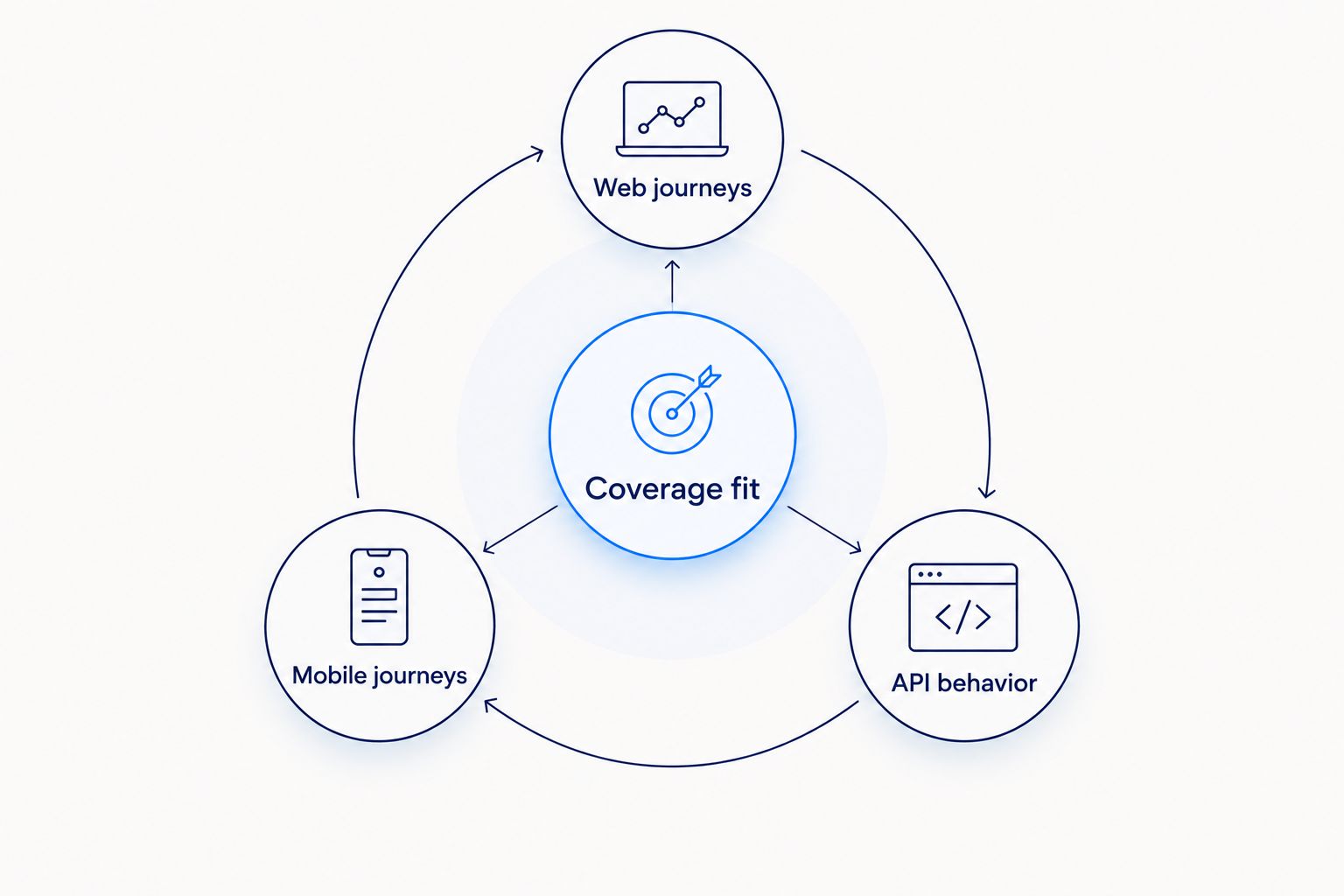
The distinction is between Web journeys, Mobile journeys, and API behavior. Assign each critical business workflow to its relevant surface before deciding whether one framework is enough.
1. Playwright: best web testing tool for new SaaS products
Playwright automates browser interactions and supports Chromium, Firefox, and WebKit: 3 browser engines. Its browser contexts support isolated sessions, while traces help teams investigate what happened during a run.
For a SaaS buyer, Playwright is a strong default when the main risk sits in customer-facing web journeys. Ask your delivery partner to demonstrate account creation, role-based access, and a transaction that changes stored data—not just navigation between pages.
Playwright pros:
- Covers different browser engines within one automation approach.
- Provides traces for investigating failed browser interactions.
- Supports isolated sessions for users with different permissions.
Playwright cons:
- Does not replace native mobile-app automation.
- Requires maintained test code, fixtures, and environment configuration.
- Browser coverage does not prove that external integrations behave correctly.
Best for: Founders and product leaders commissioning a new web-based SaaS product with repeatable customer journeys.
In your evaluation, request a failed-test walkthrough as well as a passing demonstration. Playwright’s diagnostic capabilities matter only if the delivery team captures and retains the evidence.
Verdict: Buy into Playwright for new web-product regression coverage; keep API and native mobile requirements separate.
2. Cypress: best web testing tool for frontend-focused QA
Cypress supports end-to-end browser testing and component testing. Its interactive execution experience helps teams inspect application behavior while developing and maintaining tests.
Cypress fits a web-product team that wants QA work closely connected to interface changes. Before selection, ask the partner to demonstrate your actual navigation, authentication, and integration patterns rather than assuming every browser workflow fits the same execution model.
Cypress pros:
- Supports both browser journeys and component-level checks.
- Provides an interactive environment for inspecting test execution.
- Supports network interception for controlled browser-test scenarios.
Cypress cons:
- Does not automate native mobile interfaces.
- Stubbed responses can hide integration failures unless separate checks cover them.
- Browser and multi-window requirements need evaluation against documented capabilities.
Best for: Product owners whose QA effort centers on a frequently changing web interface and frontend component behavior.
Ask what remains real in each test. A checkout demonstration with every payment response substituted proves something different from a test that exercises the payment integration’s approved test environment.
Verdict: Buy into Cypress when frontend inspection and component coverage are central; skip it as a universal application-testing solution.
3. Selenium: best browser testing tool for existing QA estates
Selenium provides browser automation through WebDriver. Selenium Grid supports running browser sessions across distributed machines, making Selenium relevant when a business already has browser tests and execution infrastructure.
An existing suite is an asset only when someone can explain its coverage and maintain it. Don’t approve a migration simply because a newer framework has a more attractive demonstration; require a clear improvement in your release process.
Selenium pros:
- Supports browser automation through a standardized protocol.
- Fits organizations with existing WebDriver-based tests.
- Supports distributed browser execution through Selenium Grid.
Selenium cons:
- Requires additional decisions about test runners and reporting.
- Distributed execution introduces infrastructure ownership.
- Old test assets can remain difficult to maintain despite framework familiarity.
Best for: CTOs and IT directors maintaining an established browser automation estate across applications or teams.
For a renewal or modernization decision, assess the suite rather than its age. Identify duplicated checks, unexplained failures, missing business workflows, and the person responsible for each problem.
Verdict: Hold a functioning Selenium estate; migrate only when a documented requirement justifies the disruption.
4. Appium: best test automation tool for native mobile apps
Appium automates applications through drivers for supported platforms. For mobile buyers, its scope includes the two major mobile platforms, iOS and Android, with platform-specific setup and execution requirements.
Appium belongs on the shortlist when your product depends on native screens, device interactions, or hybrid application behavior. Browser testing on a mobile-sized viewport is not a substitute for testing the installed application.
Appium pros:
- Addresses native and hybrid mobile application workflows.
- Supports an automation approach across iOS and Android.
- Can form part of a real-device and simulator testing strategy.
Appium cons:
- Device provisioning and platform tooling need maintenance.
- Drivers and operating-system changes affect execution setup.
- Automated checks do not replace usability or accessibility assessment.
Best for: Business owners commissioning mobile applications whose critical journeys occur inside installed apps.
Require the provider to distinguish simulator coverage from physical-device coverage. Also ask which permission prompts, interrupted sessions, and operating-system interactions the proposed suite actually exercises.
Verdict: Buy into Appium for native mobile regression; skip it when your entire product runs in the browser.
5. Postman: best test automation tool for API integration checks
Postman organizes API requests into collections and supports assertions against responses. Collections can be executed automatically, allowing teams to check service behavior without driving a browser.
Postman fits products where integrations, data exchange, and backend business rules require direct verification. Ask for checks covering authorization, invalid requests, and meaningful response content—not merely successful status codes.
Postman pros:
- Makes API requests and expected responses explicit.
- Supports reusable collections for integration checks.
- Tests backend behavior independently of interface changes.
Postman cons:
- Does not validate rendered pages or native application screens.
- Environment variables and credentials require controlled handling.
- Collections need maintenance as API contracts change.
Best for: Product managers and integration owners buying software that connects internal services or external systems.
A successful API response doesn’t prove the customer saw the correct result. Pair API checks with selected interface journeys where the business outcome crosses both layers.
Verdict: Buy into Postman for API-focused checks; skip it as your sole proof of end-to-end customer experience.
6. Robot Framework: best tool for keyword-driven acceptance testing
Robot Framework organizes automation through keywords and libraries. It supports readable acceptance-test structures, while the underlying libraries provide the interaction with browsers, services, or other systems.
Robot Framework suits buyers who want business scenarios expressed through a shared vocabulary. The important question is who maintains those keywords when the product changes; readable scenarios still depend on technical implementation.
Robot Framework pros:
- Encourages reusable, named business actions.
- Separates scenario structure from underlying implementation.
- Extends coverage through libraries appropriate to the system.
Robot Framework cons:
- Required capabilities depend on selected libraries.
- Keyword maintenance still requires technical ownership.
- Excessive abstraction can make failures harder to investigate.
Best for: Operations directors and product owners coordinating acceptance criteria across business and delivery teams.
Ask the provider to trace a business requirement through its scenario, keyword, and failure report. The reporting should show which business outcome failed without forcing your team to interpret implementation details.
Verdict: Buy into Robot Framework when shared acceptance language has a named maintainer; skip it when ownership is unclear.
How the tools are ranked
This ranking prioritizes coverage fit, failure evidence, maintenance ownership, release integration, team fit, and portability. Playwright leads for a new web-product default; the remaining positions identify distinct use cases rather than weaker versions of the same tool.
The capability descriptions reflect established framework functions, not a scored laboratory test or measured performance comparison. No tool receives credit for unspecified delivery results.
Syndell belongs in the development-partner decision, not the software comparison table. Evaluate the proposed delivery team and handover commitments separately from the framework name.
How to evaluate a QA automation partner
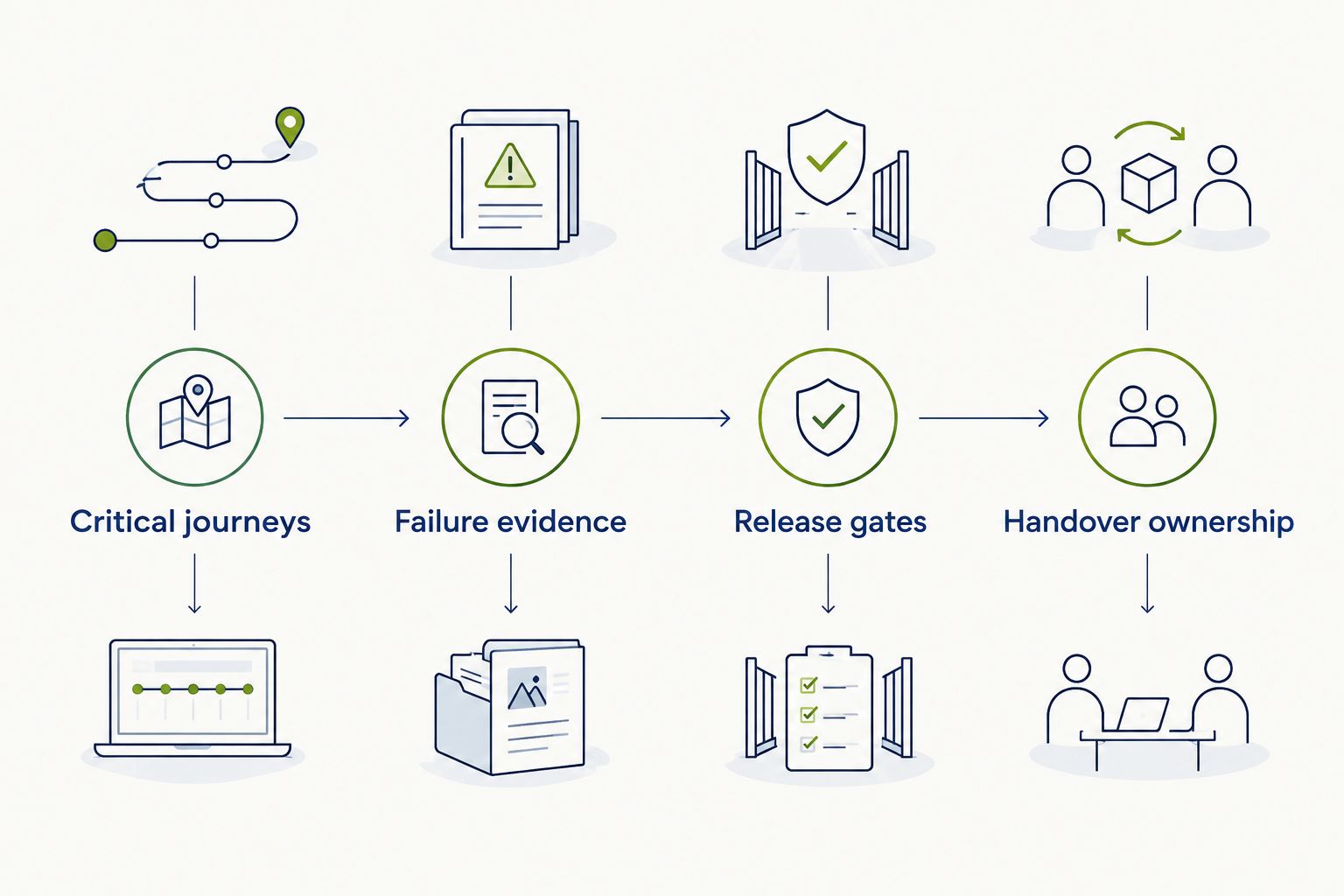
Structure your selection around Critical journeys, Failure evidence, Release gates, and Handover ownership. These turn an impressive demo into an accountable delivery proposal.
- Critical journeys: Identify the transactions, permissions, and state changes that matter to your business.
- Failure evidence: Require an example showing how the team distinguishes a product defect from a test or environment problem.
- Release gates: Specify which failures block deployment and who approves exceptions.
- Handover ownership: Confirm access to test assets, execution instructions, credentials management, and maintenance responsibilities.
For your pilot, choose 5 business workflows: sign-in, permission enforcement, a core transaction, an integration failure, and data recovery. This is a proposed evaluation scope, not a coverage benchmark. Replace any workflow that doesn’t apply to your product.
Ask each shortlisted partner to explain what the pilot excludes. You need an explicit boundary between automated regression, exploratory testing, security assessment, and performance testing.
Which test automation tool should you choose?
Choose Playwright as the default for a new web-based SaaS product. Choose Cypress when frontend component testing is the primary need, retain Selenium when its existing suite serves your requirements, and choose Appium for installed mobile applications.
Add Postman where direct API checks are necessary. Choose Robot Framework when keyword-driven acceptance scenarios improve collaboration and have a clear technical owner.
If you’re discussing custom software development with Syndell, request a testing approach tied to your business workflows. The proposal should explain responsibilities and exclusions before implementation begins.
One last thing
A deliberately failed test is a better purchasing demonstration than another passing run. Ask the provider to introduce an incorrect permission or broken response, then show the failure report, investigation path, and release-blocking behavior.
You’re buying confidence in a decision, not a collection of green checks. Don’t accept a framework recommendation without that demonstration.
Plan testing around your business workflows
Discuss your custom software requirements and delivery priorities.
Talk to Syndell