Manual workflows are outdated in today’s continuously changing world. Using desktop app development helps you to improve security, build defenses against external threats, and provide interactive controls and features that engage users.s.
While web-based solutions and mobile apps currently dominate the market, the resurgence of desktop applications cannot be overlooked. There is still a significant demand for desktop applications among individuals and businesses seeking tailored solutions.
Desktop applications offer a range of benefits in this dynamic environment. By modernizing your desktop application, you can enhance security measures, fortify defenses against external threats, and introduce interactive controls and features that captivate users. Say goodbye to outdated manual workflows and welcome a more efficient and effective way of operating.
By combining the strengths of web-based solutions and mobile apps with the unique capabilities of desktop applications, businesses can cater to diverse user needs and preferences. Embracing the comeback of desktop application development opens up new possibilities, transforming your business into a flawlessly functioning powerhouse.
So, are you ready to step into the world of desktop application development and empower your business for success?
Let’s dive in together and unlock the boundless potential of this powerful platform.
What is a Desktop Application?
A desktop application, also known as a desktop software or desktop app, is a computer program designed to run on a desktop computer or laptop. It is installed and executed locally on the user’s machine, as opposed to being accessed through a web browser like a web application.
Desktop applications are typically designed for specific operating systems, such as Windows, macOS, or Linux, and they leverage the resources and capabilities of the user’s computer. They provide a standalone user interface and can offer a wide range of functionalities, from simple tasks to complex operations.
Desktop applications often offer greater functionality and offline capabilities compared to web-based or mobile apps, providing convenience and tailored solutions for users. Users can easily launch desktop applications by double-clicking their icons, making them easily accessible and convenient to use.
Examples of desktop applications include:
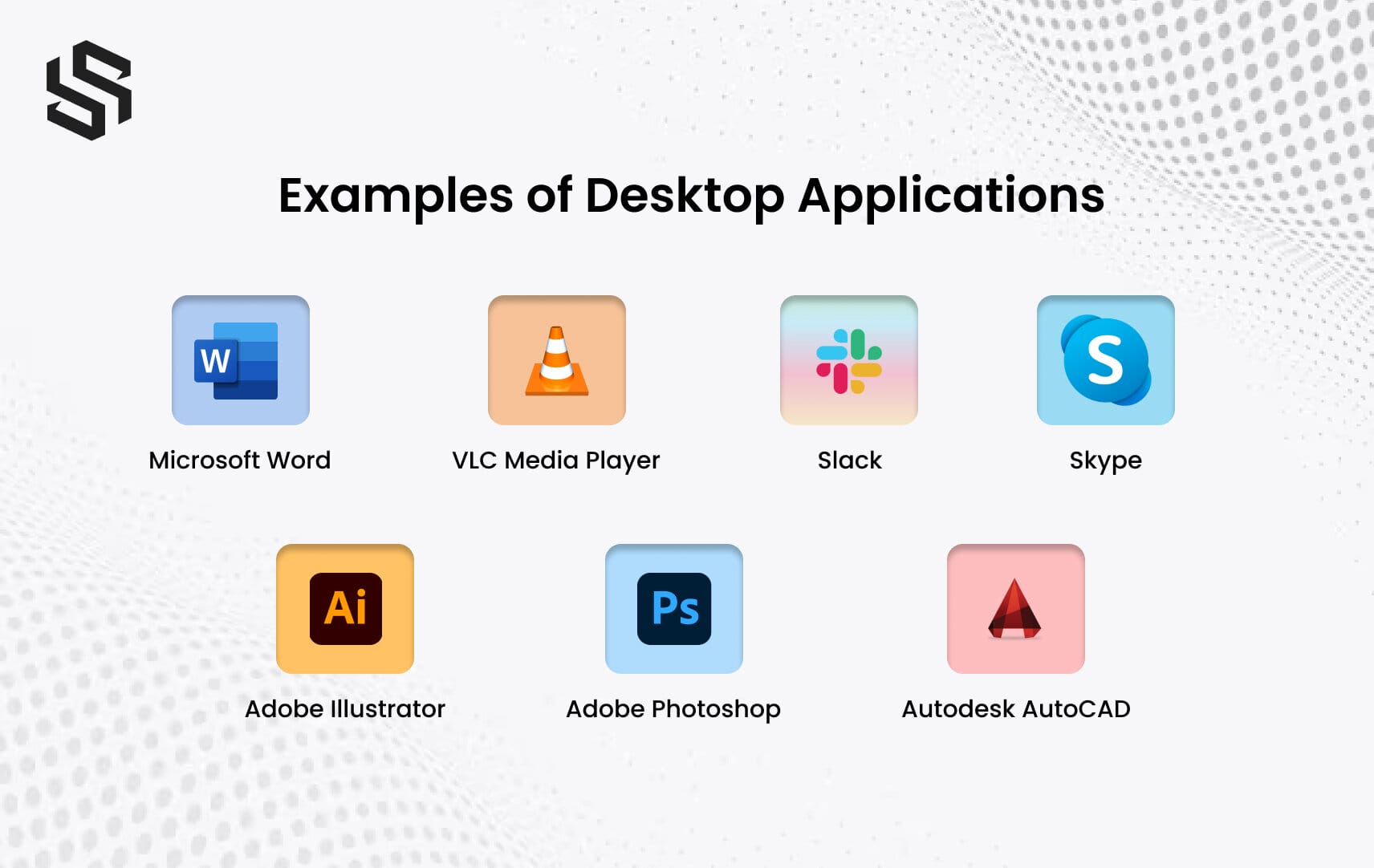
- Microsoft Word
- Adobe Photoshop
- VLC Media Player
- Autodesk AutoCAD
- Slack
- Skype
- Adobe Illustrator
Top Frameworks and Toolkits to Develop Desktop Applications
What is Desktop Application Development?
Desktop application development is the process of creating software programs that are specifically designed to run on desktop computers, providing customized functionality and user experiences. These applications are developed for operating systems like Linux, Microsoft Windows, and macOS, targeting laptops and desktops.
Unlike web-based or mobile apps, desktop applications are downloaded and installed on the user’s computer, allowing them to operate offline without relying on a continuous internet connection. This offline capability ensures convenient access to the application and its features at any time.
Developers utilize a diverse range of programming languages and technologies for desktop application development. These include popular languages such as JavaScript, HTML, CSS, Java, C#, C++, Bash, PHP, SQL, Python, TypeScript, Node.js,Swift, Red, Go, and more. The choice of language depends on the specific requirements of the application and the target platform.
Difference Between a Desktop Application, Mobile Application, and Web Application
Software applications have become an essential part of our everyday lives in today’s quickly expanding technology world. Desktop apps, mobile applications, and web applications are the three main types of applications. Each of them serves a distinct purpose and caters to multiple platforms, offering consumers varying levels of accessibility and capability.
So, let’s delve into the key differences between these three types of applications, shedding light on their respective strengths:
| Desktop Application | Mobile Application | Web Application | |
|---|---|---|---|
| Platform | Runs on desktop computers (Windows, macOS, etc.) | Runs on mobile devices (iOS, Android, etc.) | Accessed through web browsers |
| Installation | Installed locally on the user’s computer | Installed from app stores | No installation required |
| Internet Access | Can operate offline | Requires internet connection | Requires internet connection |
| User Interface | Optimized for desktop screens and input devices | Optimized for mobile screens and touch input | Optimized for various screen sizes |
| Access | Accessed by launching the application | Accessed by tapping the app icon | Accessed through URLs |
| Performance | Utilizes system resources effectively | May have resource limitations on mobile devices | Depends on internet speed and server performance |
| Native Features | Can access and utilize native device features | Can access and utilize native device features | Limited access to native device features |
| Development | Developed using desktop-specific technologies and frameworks | Developed using mobile-specific technologies and frameworks | Developed using web technologies and frameworks |
Need a reliable and user-friendly desktop application for your business?
Reach out to us for
Why Should You Choose Desktop Application?
In a fast-paced digital world, where web and mobile applications dominate the software landscape, the timeless allure of desktop applications remains steadfast. These versatile and powerful software solutions have stood the test of time, offering a myriad of compelling reasons why they continue to be a preferred choice for users and developers alike.
Whether it’s about offline accessibility, enhanced performance, or superior user experience, the merits of choosing desktop applications are abundant.
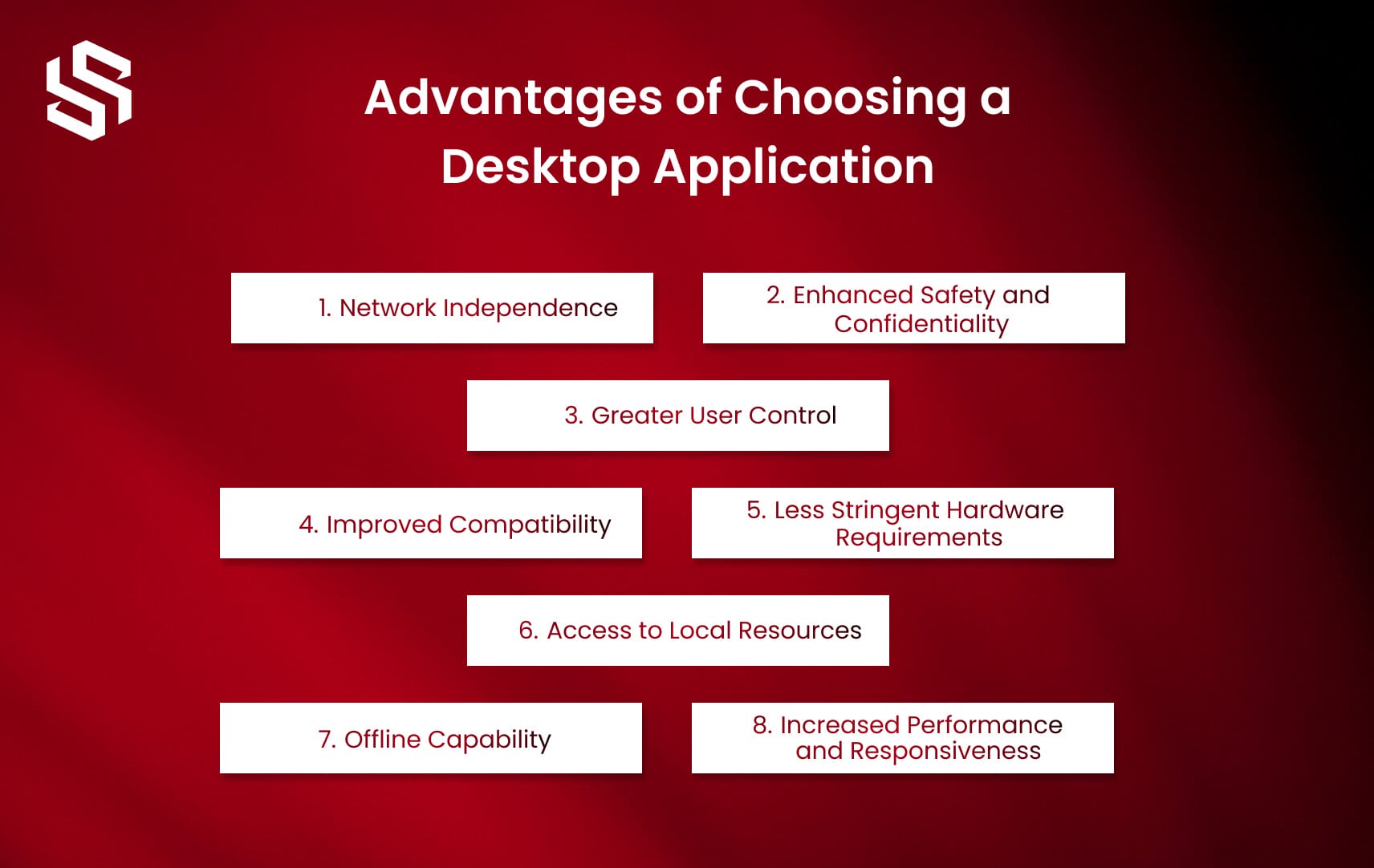
Let us delve into the key advantages of desktop applications :
1. Network Independence
The ability of desktop apps to run without a network connection is a key advantage. Desktop programs, as compared with web-based or mobile applications, may operate without an internet connection, ensuring continuous access to crucial functionality and data.
2. Enhanced Safety and Confidentiality
Desktop applications offer greater control over data security and confidentiality. Since they run locally on the user’s computer, sensitive information is not transmitted over the internet, reducing the risk of interception or unauthorized access. This makes desktop applications a preferred choice for applications handling confidential data or sensitive operations.
3. Greater User Control
Desktop applications provide users with more control over their software environment. Users can customize settings, adjust preferences, and configure the application according to their specific needs, allowing for a personalized and tailored user experience.
4. Improved Compatibility
Desktop applications often have better compatibility with the underlying operating system and hardware. They are specifically designed to run on desktop systems and can leverage the full capabilities of the system, resulting in enhanced performance and seamless integration with other software or devices.
5. Less Stringent Hardware Requirements
Desktop applications generally have lower hardware requirements compared to web or mobile applications. They can be developed to run efficiently on a wide range of desktop devices, including older or less powerful computers, making them accessible to a broader user base.
6. Access to Local Resources
Desktop applications have direct access to local resources such as the file system, peripherals, and system-specific features. This allows for more advanced functionalities, such as accessing and manipulating files, interacting with hardware devices, and utilizing platform-specific capabilities, enhancing the overall user experience.
7. Offline Capability
One of the significant advantages of desktop applications is their ability to function without an internet connection. Users can access and use the application even when offline, ensuring uninterrupted productivity and the ability to work in environments with limited or no internet access.
8. Increased Performance and Responsiveness
Desktop applications often offer superior performance and responsiveness compared to web or mobile applications. By running directly on the user’s computer, they can utilize the full resources of the system, resulting in faster processing, smoother user interactions, and reduced latency.
When considering the choice of a desktop application, it’s essential to evaluate your specific requirements, target audience, and the nature of your application.
While desktop applications offer numerous advantages, it’s crucial to weigh them against the benefits of web or mobile applications, especially when considering cross-platform compatibility or the need for real-time collaboration and accessibility from multiple devices.
Steps for Creating Desktop Applications
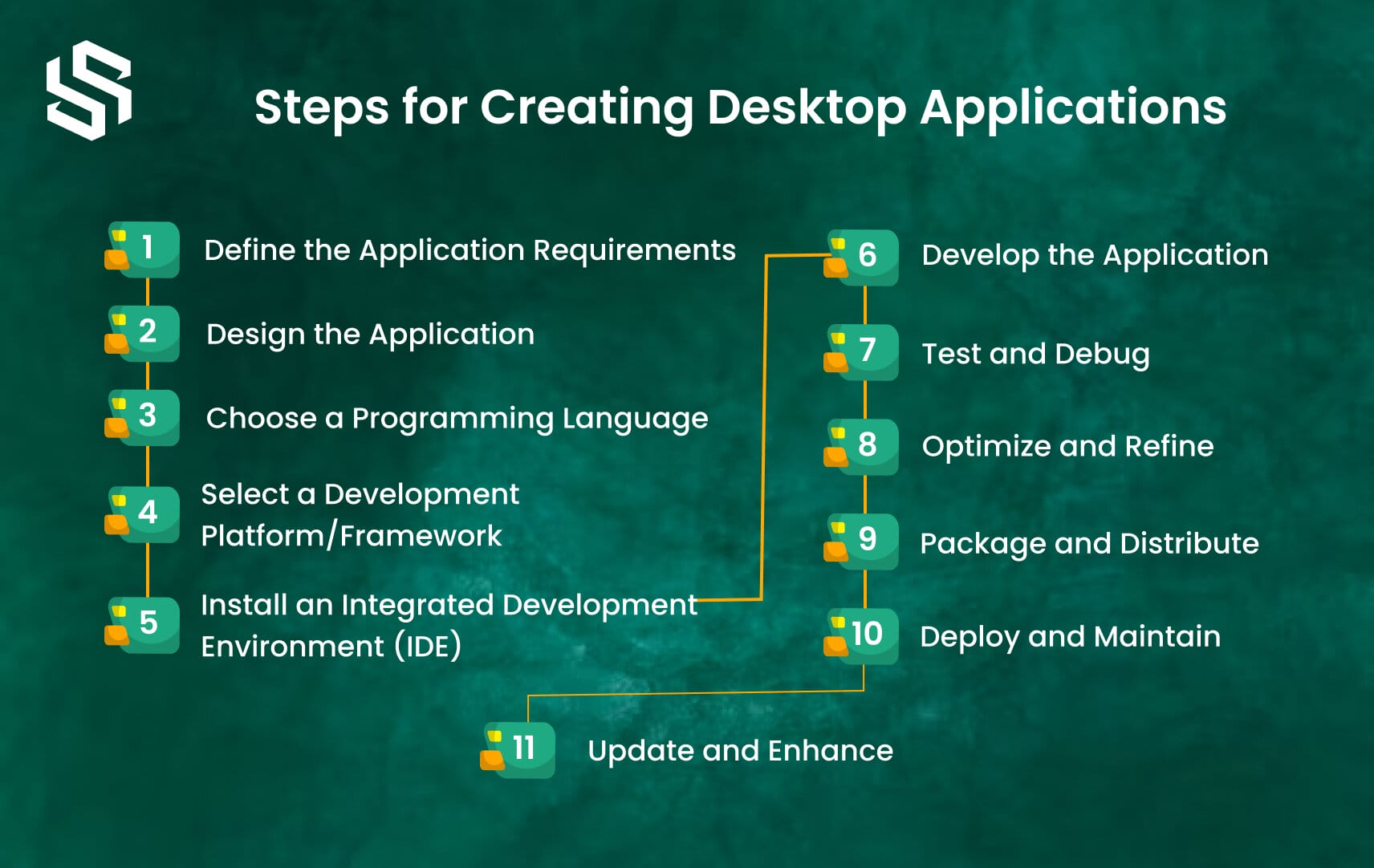
Developing desktop applications is an exciting process that allows you to develop powerful and user-friendly software for a wide range of purposes. Whether you’re a seasoned developer or just starting, here are the essential steps to guide you through the process of building a desktop application:
Step – 1 Define the Application Requirements
This involves thoroughly understanding and documenting what the application needs to accomplish and the specific features it should have. It is essential to have a clear vision of the purpose and goals of the application before proceeding with development.
During this phase, it is important to gather requirements from stakeholders, end-users, and any other relevant parties. Conduct interviews, surveys, and workshops to gather information about the desired functionality, user interface, performance expectations, security requirements, and any other specific needs or constraints.
The requirements should be documented in a clear and concise manner, outlining the functional and non-functional aspects of the application. These requirements will serve as a foundation for the design, development, and testing stages of the project.
Additionally, it is crucial to prioritize the requirements based on their importance and feasibility. This will help in managing the scope of the project and ensuring that the most critical features are implemented within the allocated resources and timeline.
By defining the application requirements at the beginning of the project, you set the direction for the development process and provide a clear understanding of what needs to be achieved. This step helps ensure that the resulting desktop application meets the expectations of stakeholders and users while aligning with the overall project goals.
Step – 2 Design the Application
Designing the application involves creating a blueprint or a visual representation of how the application will look and function. This step helps in planning the user interface, workflow, and overall user experience of the application.
During the design phase, it is important to consider the target audience and their needs. This includes understanding their preferences, behaviors, and expectations when using desktop applications. By keeping the end-users in mind, you can design an application that is intuitive, user-friendly, and meets their requirements.
The design process typically involves creating wireframes or mockups of the application’s user interface. This can be done using design tools, prototyping software, or even pen and paper. The wireframes or mockups provide a visual representation of the different screens, navigation flows, and interactions within the application.
In addition to the user interface design, it is important to consider the application’s overall architecture and structure. This includes defining the data model, system components, and the interaction between different modules of the application.
During the design phase, it is also a good practice to consider factors such as scalability, maintainability, and extensibility of the application. This involves planning for future enhancements, accommodating potential changes in requirements, and ensuring the application can adapt to evolving technologies and platforms.
By investing time in the design phase, you can ensure that the desktop application is visually appealing, easy to use, and aligns with the defined requirements. A well-designed application sets the foundation for smooth development and helps in delivering a high-quality product that meets the expectations of both stakeholders and end-users.
Step – 3 Choose a Programming Language
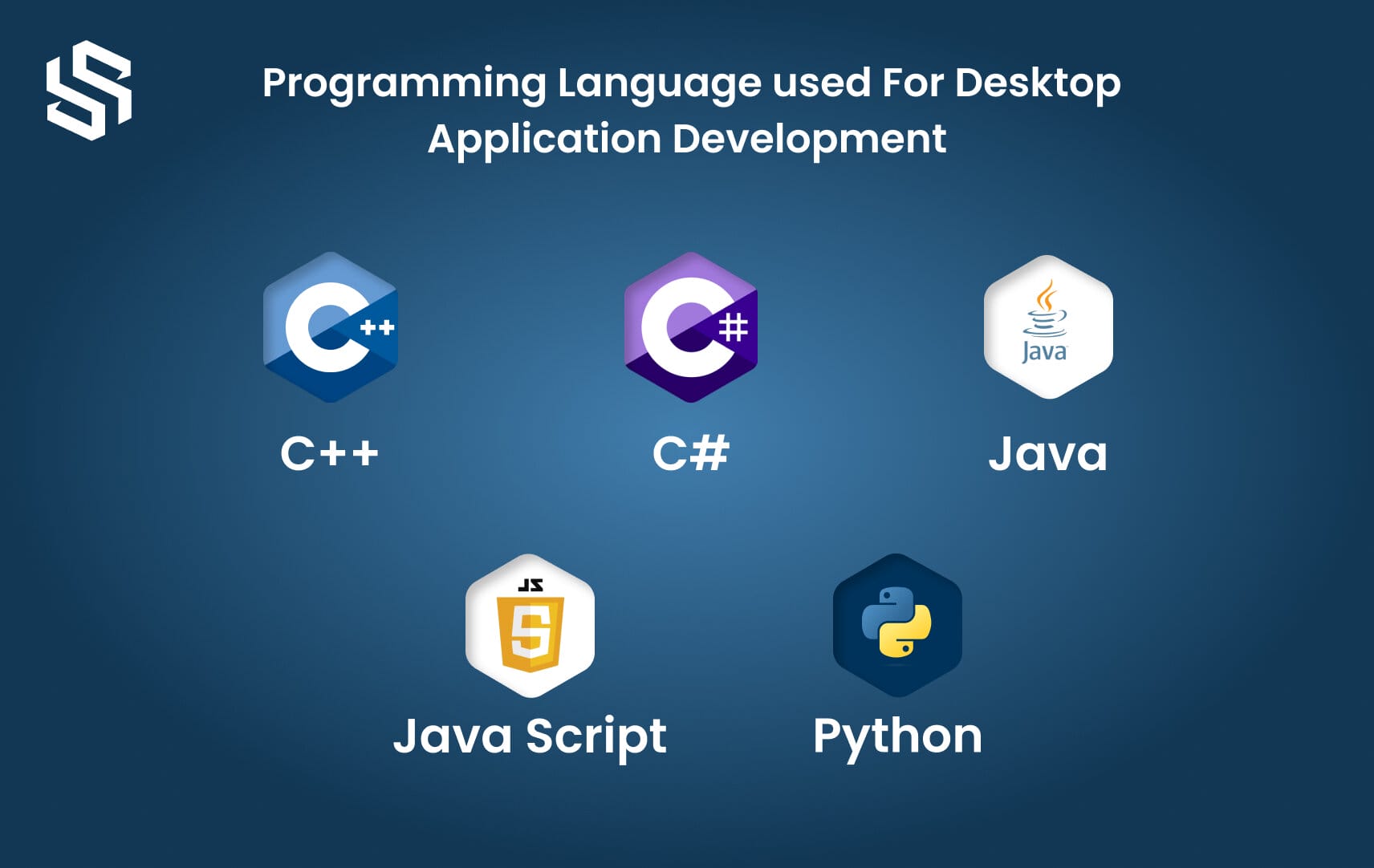
The next step in creating a desktop application is to choose a programming language. The programming language you select will determine how you write the code for your application and what tools and frameworks are available to you. It is important to consider factors such as the requirements of your application, your team’s expertise, and the target platform when making this decision.
There are numerous programming languages that can be used for desktop application development. Some popular choices include C++, C#, Java, Python, and JavaScript. Each language has its own strengths and weaknesses, so it’s crucial to evaluate them based on your specific needs.
C++
C++ is a powerful and versatile language commonly used for high-performance applications. It offers direct hardware access and fine-grained control, making it suitable for resource-intensive applications and those that require low-level system interactions.
C #
C# is a language primarily used with the .NET framework, making it a good choice for Windows desktop application development. It offers a rich set of libraries and tools, simplifying development tasks and providing access to various APIs and functionalities.
Java
Java is a widely used language known for its platform independence. It allows you to write code once and run it on multiple operating systems, making it suitable for cross-platform desktop applications.
Python
Python is a popular language known for its simplicity and readability. It offers a vast array of libraries and frameworks that facilitate rapid development, making it an excellent choice for building desktop applications with a focus on productivity.
JavaScript
JavaScript is primarily used for web development but can also be utilized in creating desktop applications using frameworks like Electron. This allows you to build cross-platform applications using web technologies.
When choosing a programming language, it is essential to consider the availability of resources, community support, and the ecosystem surrounding the language. These factors can greatly impact your development process, support options, and the longevity of your application.
Ultimately, selecting the right programming language for your desktop application depends on a variety of factors, including your project requirements, team skill set, and target platform. Taking the time to evaluate different options and considering the long-term implications will help ensure a successful and efficient development process.
Want to discuss your project requirements in detail?
Step – 4 Select a Development Platform/Framework
When selecting a development platform or framework for desktop application development, it’s important to consider factors such as your project requirements, programming language proficiency, community support, and available resources. Here are a few points to consider when making your decision.
First, evaluate your project requirements and determine which platforms or frameworks align with your application’s needs. Consider factors such as cross-platform compatibility, scalability, performance, and integration capabilities. For example, if you’re developing a Windows-specific application, you may consider platforms like .NET Framework or Windows Presentation Foundation (WPF).
Next, assess your team’s programming language expertise. Choose a platform or framework that supports the languages your team is proficient in. This allows for faster development, better code quality, and easier maintenance.
Additionally, consider the community support and available resources for the chosen platform or framework. A strong community provides access to libraries, documentation, tutorials, and forums, which can greatly facilitate the development process. Look for platforms with an active community and frequent updates, as this indicates ongoing support and improvements.
Step – 5 Install an Integrated Development Environment (IDE)
Installing an Integrated Development Environment (IDE) is an essential step when creating desktop applications. An IDE is a software application that provides a comprehensive set of tools and features to facilitate the development process. It offers an integrated environment for writing, testing, debugging, and deploying applications.
When selecting an IDE for desktop application development, it’s crucial to choose one that supports the programming language and framework you plan to use. For .NET applications, Visual Studio is a popular choice as it offers a rich set of features specifically designed for .NET development. It provides a user-friendly interface, a powerful code editor, built-in debugging tools, and seamless integration with other Microsoft development tools and services.
For Java applications, IntelliJ IDEA is a highly regarded IDE that offers excellent support for Java development. It provides advanced code analysis, intelligent code completion, and a wide range of plugins and extensions to enhance productivity. IntelliJ IDEA also offers built-in version control integration, testing frameworks, and seamless deployment options.
By installing an IDE tailored to your chosen programming language and framework, you gain access to a comprehensive suite of development tools and features that significantly streamline the desktop application development process. It helps ensure code consistency, improves productivity, and simplifies tasks such as debugging and deployment, ultimately leading to more efficient and successful application development.
Step – 6 Develop the Application
The development phase is where you bring your desktop application to life by writing the code that implements its functionality. Using the chosen programming language and framework, you will design the user interface (UI), define how different components interact, and handle data storage and retrieval.
To start, you’ll create the UI by designing the layout and visual elements that users will interact with. This may involve using graphical libraries or frameworks provided by your chosen programming language. You’ll define buttons, menus, forms, and other UI components to enable users to navigate and interact with the application.
Next, you’ll implement the application’s functionality by writing code that handles user input, processes data, performs calculations, and performs any necessary operations. This involves using the programming language’s syntax and libraries to write functions, methods, and algorithms that fulfill the requirements of the application.
Additionally, you’ll need to consider data storage and retrieval. Depending on the nature of your application, you may need to incorporate a database or utilize file storage to persist data. You’ll write code to interact with the database or file system, such as performing queries, reading and writing files, and managing data integrity.
Throughout the development process, it’s important to follow coding best practices, such as writing clean and modular code, documenting your work, and regularly testing your application to ensure it functions as intended.
Step – 7 Test and Debug
Testing and debugging are essential steps in the development of a desktop application to ensure its reliability and functionality. During the testing phase, you will evaluate the application’s behavior, identify potential issues, and verify that it meets the specified requirements.
To begin, you’ll create a comprehensive test plan that outlines different scenarios and test cases to validate the application’s functionality. This includes checking user inputs, handling edge cases, and verifying the accuracy of calculations or data processing. You can perform manual testing by systematically running the application and interacting with its various features, or you can automate tests using testing frameworks and scripts.
During the testing process, you’ll observe the application’s behavior, record any errors or unexpected outcomes, and analyze their root causes. This is where the debugging capabilities of your chosen IDE come into play. You can use the IDE’s debugging tools to step through the code, set breakpoints, and inspect variables, helping you track down the source of errors and fix them.
Debugging involves closely examining the code to identify logic errors, incorrect data handling, or any other issues that may affect the application’s functionality. By analyzing the error messages, stack traces, and runtime behavior, you can isolate and resolve bugs to ensure a smooth user experience.
It’s important to perform thorough testing and debugging iterations to minimize the presence of bugs in your application. By addressing issues early on, you can improve the overall quality and stability of your desktop application.
A Step-by-Step Guide to SaaS Application Development
Step – 8 Optimize and Refine
During the optimization and refinement phase, the goal is to enhance the overall performance and efficiency of your desktop application. This process involves analyzing different aspects of the application and making improvements to ensure it runs smoothly and effectively.
One aspect of optimization is optimizing algorithms and data structures. This involves reviewing the code and identifying areas where the algorithms can be improved to reduce execution time or memory usage. By choosing more efficient algorithms or optimizing existing ones, you can enhance the speed and efficiency of your application.
Memory usage is another critical factor to consider. Analyze the application’s memory usage patterns and look for opportunities to reduce unnecessary memory consumption. This can involve techniques such as optimizing resource allocation, managing object lifecycles, or implementing caching mechanisms to minimize the application’s memory footprint.
Additionally, refining the user interface (UI) and user experience (UX) is crucial for creating a polished and user-friendly application. Evaluate the application’s UI design, navigation flow, and interaction patterns to ensure they are intuitive and easy to use. Incorporate user feedback and conduct usability testing to identify areas for improvement and make necessary adjustments.
Overall, the optimization and refinement phase is focused on fine-tuning your desktop application to deliver optimal performance, efficient resource usage, and an improved user experience. By investing time in this phase, you can enhance the overall quality of your application and provide a better experience for your users.
Step -9 Package and Distribute
Packaging and distributing your desktop application is a crucial step to make it accessible to users. Packaging involves bundling all the necessary files, resources, and dependencies of your application into a single executable or installer file that users can easily install on their desktop systems.
During the packaging process, ensure that all the required dependencies and libraries are included in the package. This ensures that users can run your application without having to separately install any additional software or components. Consider using packaging tools or frameworks specific to your development platform to streamline this process.
Once the application is packaged, you can distribute it through various channels. You may choose to distribute it through your website, an app store, or package it with physical media if required. Consider creating an installation guide or documentation to assist users in the installation process and provide any necessary instructions or requirements.
It’s important to test the packaged application on different systems and environments to ensure its compatibility and proper functioning. This helps identify any potential issues or compatibility conflicts that may arise when users install and run your application on different desktop configurations.
By properly packaging and distributing your desktop application, you make it convenient for users to install and use your software, expanding its reach and making it more accessible to your target audience.
Step – 10 Deploy and Maintain
Deploying your desktop application involves making it available for installation on the target desktop environments, such as Windows, macOS, or Linux. This step requires ensuring compatibility with different operating systems and addressing any platform-specific requirements. You may need to create separate installation packages for each platform or utilize cross-platform frameworks that allow you to build once and deploy to multiple platforms.
Before deploying, thoroughly test your application on each target platform to ensure it functions correctly and smoothly. This includes verifying that all features work as expected, the user interface is responsive, and there are no compatibility issues or errors specific to the platform. Additionally, consider any security measures that need to be implemented to protect the application and its users’ data.
Once the application is deployed, it’s essential to establish a maintenance plan to address future updates and bug fixes. Regularly monitor user feedback, address reported issues promptly, and release updates as needed to improve the application’s functionality and address any vulnerabilities. Consider providing user support through various channels, such as a dedicated support email or a community forum, to assist users with any queries or problems they may encounter.
Maintenance also involves staying up-to-date with the latest platform updates and security patches to ensure your application remains compatible and secure. By proactively maintaining your desktop application, you can provide a better user experience, enhance the application’s performance, and keep it relevant in a rapidly evolving technology landscape.
Step – 11 Update and Enhance
Updating and enhancing your desktop application is crucial for its long-term success. User feedback plays a significant role in understanding their needs and expectations, allowing you to prioritize updates and improvements. Actively engage with your user community through various channels, such as surveys, feedback forms, or user forums, to gather insights and identify areas for enhancement.
Based on the feedback received, you can plan and implement updates that address user concerns, add new features, or improve existing functionality. Prioritize the most impactful changes and ensure they align with your application’s goals and the evolving market trends. Regularly releasing updates not only keeps your users engaged but also demonstrates your commitment to providing a quality product.
Apart from adding new features, it’s essential to focus on enhancing the application’s performance, stability, and security. Conduct regular code reviews, performance testing, and security assessments to identify areas that can be optimized. Implementing performance optimizations, bug fixes, and security patches will not only improve the user experience but also protect your application and users’ data from potential vulnerabilities.
Additionally, stay informed about the latest advancements in technology and industry standards. Explore new frameworks, libraries, and tools that can enhance your development process and enable you to deliver innovative features. By continuously updating and enhancing your desktop application, you can stay competitive, meet user expectations, and ensure your software remains valuable in a rapidly evolving market.
Got questions or need assistance with your desktop application?
to our friendly support team for expert help.
Popular Frameworks for Desktop Application Development
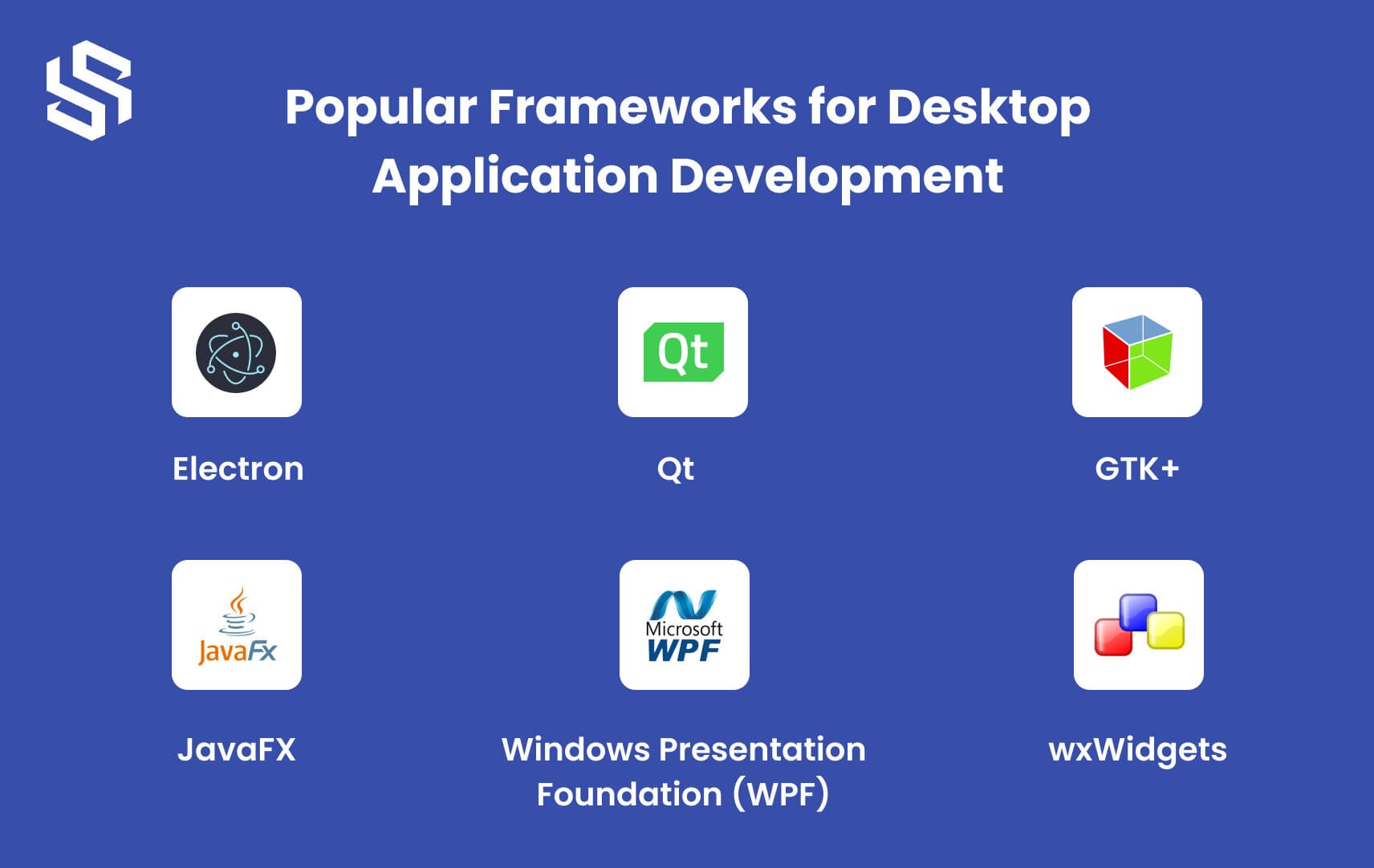
Desktop application development frameworks are software tools and libraries that simplify the process of creating applications for desktop operating systems. These frameworks provide developers with pre-built components, APIs, and utilities that abstract away the complexities of the underlying operating system and hardware architecture.
As a result, developers can focus more on application logic, user interface design, and overall functionality, making the development process faster and more efficient.
Here are some popular desktop application development frameworks:
1. Electron
Electron is an open-source framework developed by GitHub. It enables developers to create cross-platform desktop applications using web technologies such as HTML, CSS, and JavaScript. Electron applications are built on Chromium and Node.js, providing access to a vast collection of libraries and tools. It is also easy to package and distribute Electron applications across different operating systems.
2. Qt
Qt is a popular cross-platform framework for desktop application development. It provides a comprehensive set of tools and libraries for building native applications that run seamlessly on Windows, macOS, and Linux. Qt also offers support for several programming languages, including C++, Python, and JavaScript. With Qt, developers can create complex user interfaces, multimedia applications, and high-performance graphics.
3. GTK+
GTK+ is an open-source framework for creating desktop applications. It is the toolkit used by the GNOME desktop environment and provides a wide range of widgets and tools. GTK+ supports several programming languages, including C, Python, and JavaScript. It is available for Windows, macOS, and Linux.
4. wxWidgets
wxWidgets is a C++ framework for building cross-platform desktop applications. It provides a comprehensive set of tools and libraries for creating native applications that run seamlessly on Windows, macOS, and Linux. wxWidgets also offers support for several programming languages, including Python, Perl, and Ruby. With wxWidgets, developers can create complex user interfaces, multimedia applications, and high-performance graphics.
5. JavaFX
JavaFX is a Java-based framework for building rich, cross-platform desktop applications. JavaFX provides developers with a wide range of tools and libraries, including a powerful graphics engine, multimedia support, and a rich set of UI controls. JavaFX is easy to use and provides developers with a simple yet powerful API for creating complex desktop applications.
6. Windows Presentation Foundation (WPF)
WPF is a framework for building Windows desktop applications. It provides developers with a rich set of tools and libraries for creating feature-rich and visually appealing desktop applications. WPF is built on top of the .NET Framework, which makes it easy for developers to create Windows desktop applications using C# or other .NET languages.
The Future of Desktop Applications
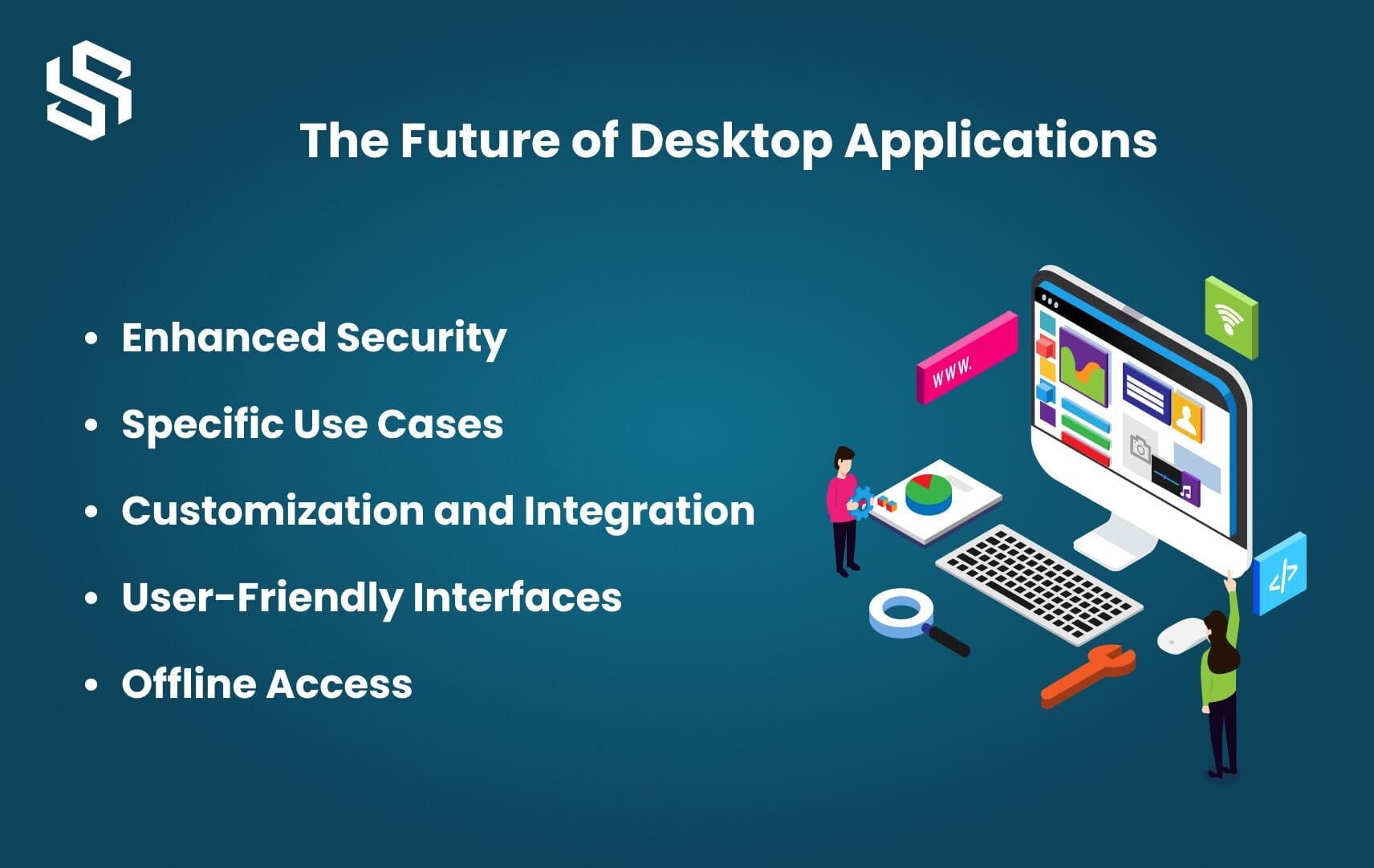
The Future of Desktop ApplicationsIn the fast-paced world of technology, it’s hard to keep up with the ever-changing trends. One of the questions that always comes up is whether desktop applications still have a place in the market. With the rise of mobile apps and cloud-based services, many experts have predicted the death of desktop apps. However, the truth is far from that.
While web-based applications have gained popularity, desktop applications continue to thrive in various areas where they offer unique advantages.
Let’s explore why desktop applications still have a significant role to play:
Enhanced Security:
- Robust security measures
- Less vulnerable to attacks compared to web-based applications
- Ideal for handling sensitive data and confidential information
Specific Use Cases:
- Offline capabilities, high performance, and advanced functionality
- Industries such as gaming, graphic design, engineering, and video editing heavily rely on desktop applications
- Leverage the full power of local computing resources
Customization and Integration:
- Deep customization and integration with hardware devices and operating systems
- Utilize system resources and APIs
- Tailored and seamless user experience
- Integration with peripherals, databases, and other software tools
User-Friendly Interfaces:
- Rich and intuitive user interfaces
- Utilize the full screen space
- Take advantage of modern desktop operating system capabilities
- Advanced UI controls, complex data visualization, and interactive features
Offline Access:
- Provide offline access to data and functionality
- Benefit in environments with limited or unreliable internet connectivity
- Seamless work without disruptions
As technology continues to evolve, the future of desktop applications will see advancements in areas such as cross-platform compatibility, cloud integration, artificial intelligence, and improved user experiences. The introduction of frameworks like Flutter further expands the possibilities for developing feature-rich and visually appealing desktop applications.
In conclusion, desktop applications remain relevant and preferred in specific domains due to their security, customization, specific use cases, user-friendly interfaces, and offline access. They will continue to evolve and adapt to changing technologies, offering unique advantages that cannot be easily replicated by web-based applications alone.
Your success is our priority. Hire dedicated developers today to collaborate and achieve your goals in desktop application development.
Conclusion
Creating a desktop application requires careful planning, a systematic approach, and the right set of tools and technologies. In this ultimate guide, we have covered the essential steps involved in developing a desktop application. From selecting a development platform/framework to deploying and maintaining the application, each stage plays a crucial role in ensuring a successful outcome.
If you’re looking to develop a desktop application for your business or project, it is recommended to seek the expertise of a professional desktop application development company like Syndell. With their dedicated team of desktop app developers and experience in building robust desktop applications, they can help you bring your ideas to life.
Whether you need a custom desktop application tailored to your specific requirements or want to hire dedicated developers to work on your project, Syndell offers comprehensive solutions. Contact us today to discuss your desktop application development needs and leverage the expertise of a trusted development partner.