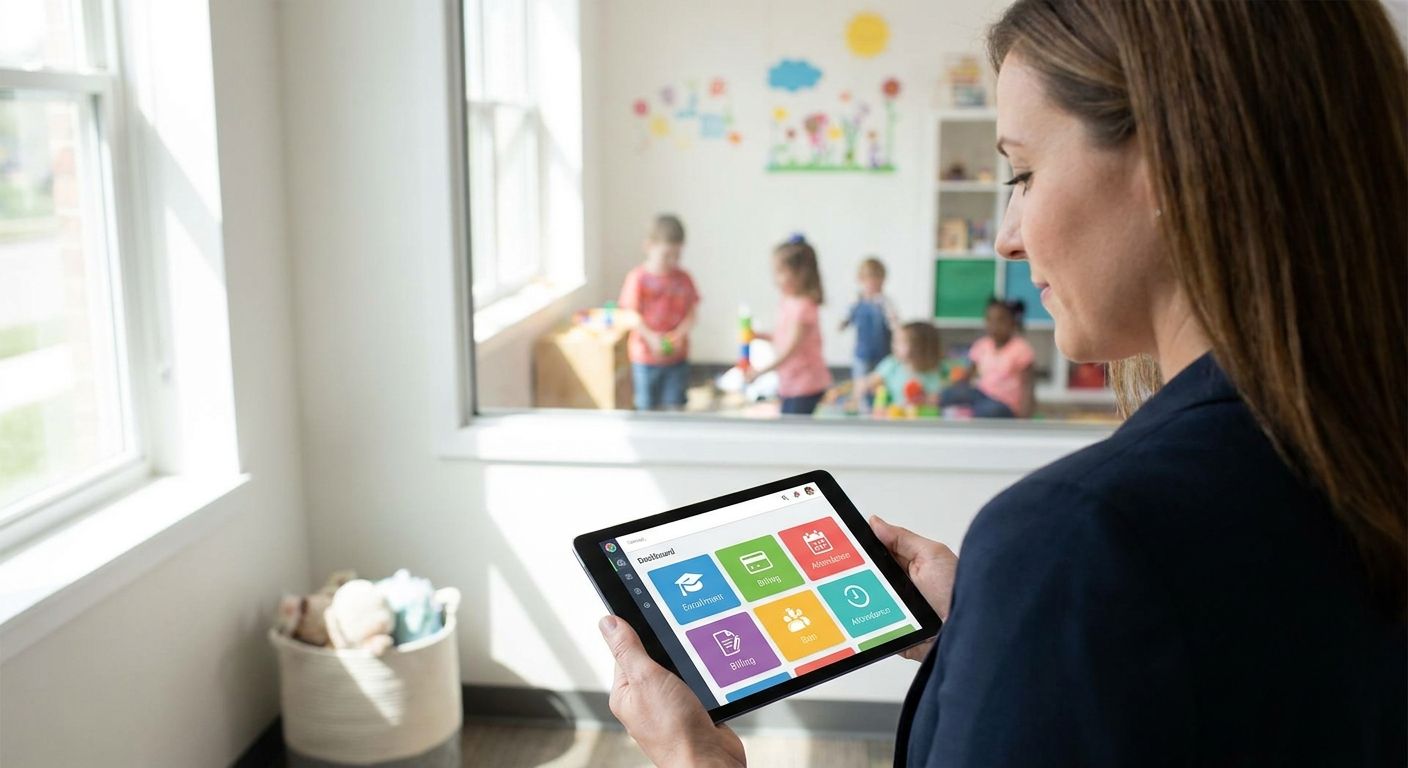
Daycare management software handles enrollment, daily attendance, family communication, staff scheduling, and billing for a childcare center or a multi-site network. This guide is written for center owners and directors deciding whether to buy a platform or build one around their programs.
- Daycare management software covers enrollment, attendance, family messaging, staffing, and billing.
- Off-the-shelf platforms fit single centers; custom builds pay off for multi-site operators and unique programs.
- Family communication is the feature that drives word-of-mouth enrollment.
- Licensing and compliance reporting differ by state — check the platform, not the brochure.
- Syndell builds custom childcare software for operators that outgrow generic tools.
Why this matters
Enrollment is your revenue and family trust is your enrollment engine. The software you choose shapes both: it decides how smoothly a new family enrolls, what a parent sees during the day, and how fast your team answers the licensing paperwork that keeps you open. Operators comparing industry-specific software find the same gap: generic tools were built for offices, not for rooms full of children and licensing inspections.
What daycare management software should handle
Write the list down before you compare anything:
- Enrollment and waitlists — inquiry to enrolled with documents, immunization records, and contracts captured once.
- Attendance and check-in — secure sign-in/out, room ratios visible in real time, and attendance history for licensing.
- Family communication — daily reports, photos, and messaging that reach parents without a second app.
- Staff scheduling and ratios — rosters that match rooms to required staff ratios as children arrive and leave.
- Billing and subsidies — tuition, sibling discounts, subsidy splits, and late-payment workflows.
- Compliance reporting — state forms, incident logs, and inspection-ready records.
Score every option against this list. A platform that is strong on billing but weak on check-in will still cost your directors time at the door every morning.
Buy versus build: where custom pays off
| Dimension | Off-the-shelf platform | Custom build |
|---|---|---|
| Time to first use | Days | Weeks to a few months |
| Fit for multi-site | Per-center accounts | One system across all centers |
| Cost model | Per-child subscription | One-time build plus maintenance |
| Daily reports | Standard templates | Matches your program's routines |
| Compliance | Generic forms | Mapped to your state's rules |
| Scaling | Price rises per child | Scales with your centers |
Off-the-shelf wins for a single center with standard programs that wants something live this month. Custom wins for multi-site operators, language-specific communities, or programs — Montessori, church-based, employer-sponsored — whose daily routines the boxed tools cannot express. Many operators start on a standard platform and move once per-child fees exceed the cost of running their own system.
How to choose and deliver the right system
Step 1: Map one day at your busiest center
Follow the morning drop-off to afternoon pickup. Note where staff double-enter data, where parents ask for updates, and where the paperwork piles up. Those points define your requirements.
- Interview the teachers and directors who live the routine daily.
- Time check-in at your busiest door.
- List every state form your team completes by hand.
Step 2: Put family communication first
Daily reports and photos are not a nice-to-have — they are the reason families re-enroll and refer friends. Test each platform's parent experience on your own phone before you buy, and specify it first in any custom build.
Step 3: Check licensing workflows against your state
Attendance records, staff qualifications, and incident logs must match your state's licensing requirements — and if you operate across states, they must support all of them. Ask every vendor to demonstrate your state's actual forms, not a generic template.
Step 4: Plan integrations before features
The platform must connect to your accounting, payroll, and payment tools, or your office manager will keep a parallel spreadsheet. For custom builds, integration design comes first; the same rule that governs workflow automation projects applies here.
Step 5: Price the work by scope
A custom build is priced by what it must do — attendance only, or attendance plus billing plus parent app. Our guide to custom software development cost breaks estimates into discovery, build, integration, and support phases so proposals compare line by line.
Common mistakes owners make
Buying for the front office, not the classrooms. The people using it hourly are teachers and directors.
Ignoring the waitlist. Empty rooms cost more than any software decision; the waitlist is where enrollment is won.
Skipping the subsidy workflow. Split payments across families, employers, and agencies are where most platforms fail.
Under-budgeting training. Teacher turnover means the system must be learnable in an afternoon, every season.
FAQ
What does daycare management software do?
It manages enrollment and waitlists, secure check-in and attendance, family communication, staff scheduling, billing, and licensing records for childcare centers.
How much does custom daycare management software cost?
Cost depends on scope: an attendance-and-communication build costs far less than a platform with billing, subsidy splits, and multi-site reporting. Price it in phases — discovery, build, integration, support — and compare proposals line by line.
Is custom software better than Brightwheel or Procare?
For a single center with standard routines, established platforms are usually faster and cheaper. Custom pays off for multi-site operators, state-specific compliance needs, or program models the boxed tools cannot express.
How long does a custom childcare software build take?
A focused first release — attendance, daily reports, and messaging — typically takes weeks to a few months, depending on integrations and migration of existing family records.
Can the software handle state licensing reports?
Yes, if attendance and incident data are captured as structured records. Specify your state’s forms and inspection requirements in the build rather than relying on generic templates.
Who owns family data in a custom system?
You do, on your own infrastructure — with export and retention rules documented in the contract. Confirm the same for any vendor tool before signing.
One last thing
The single most valuable number for a childcare operator is not enrollment count — it is average months a family stays enrolled. Retention, not acquisition, fills next year's rooms. Make sure whatever you buy, or build, reports it without a manual export.
Related guides